
Accessing CERT+ Automation Workflows
- In the CERT+ module, navigate to AUTOMATION > My Workflows > View/Run
- In the Automation module, navigate to SERVICE REQUESTS > View/Run
-
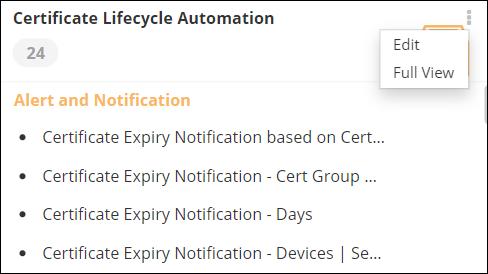
On the Request :: View/Run page, from the top right corner of the
Certificate Lifecycle Automation catalog, click
 .
.
-
From the options displayed, select Full View.
 The CERT+ Automation workflows are displayed in the Certificate Lifecycle Automation window.
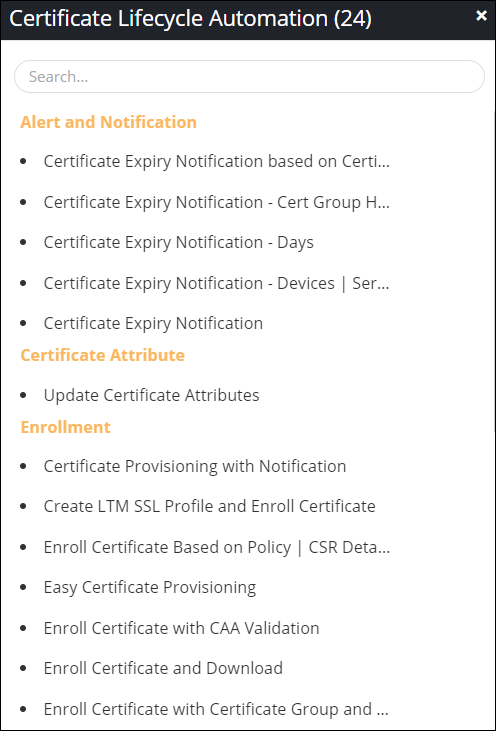 Tip: You can also search for a workflow on the Catalog page by typing the keyword(s) in the search bar.
