
Customizing an OOB Workflow
To customize a workflow:
-
Navigate to the Workflow page in the Automation
module.
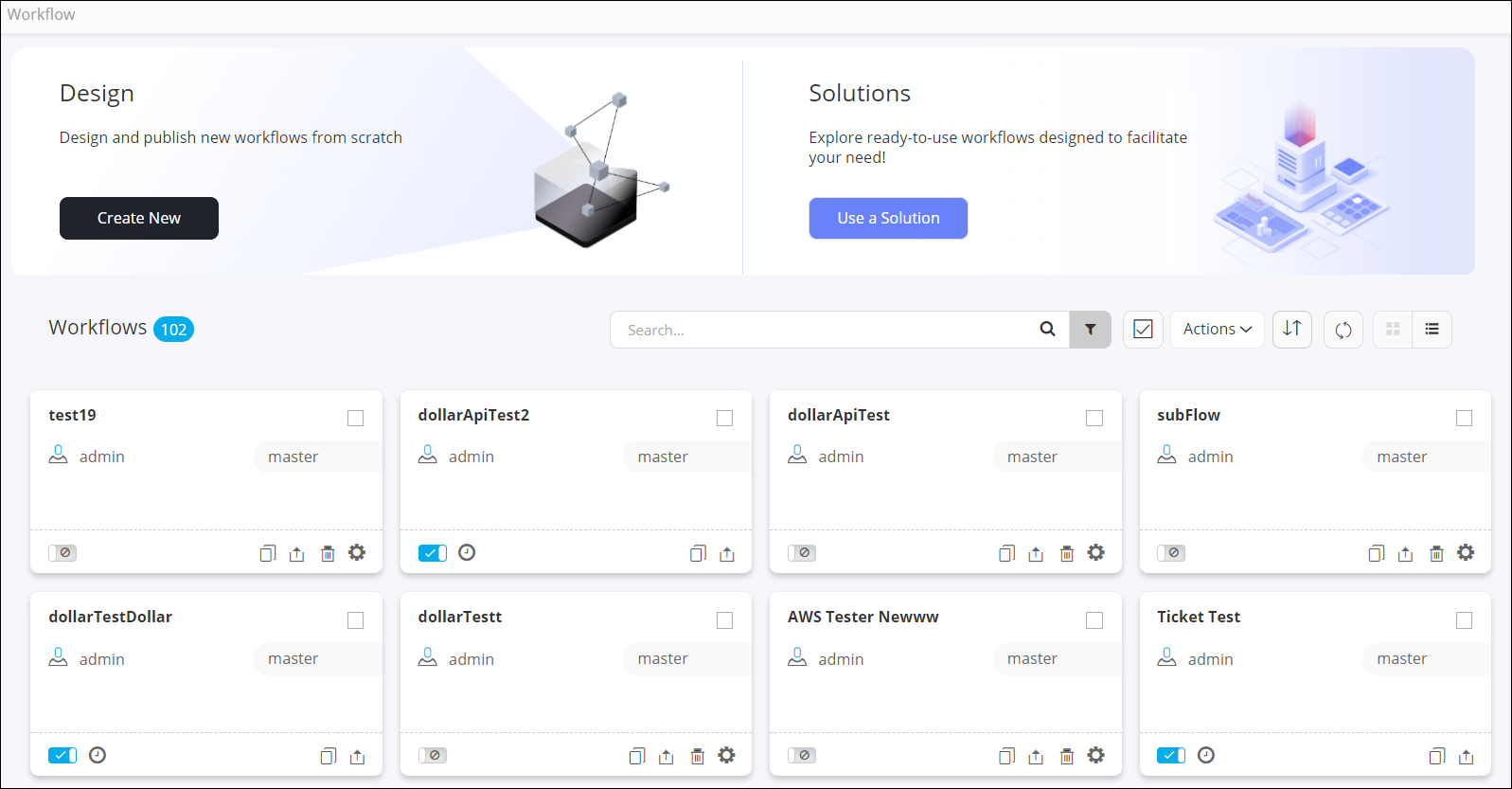
- On the Workflow page, search for the workflow you want to customize by typing the keyword in the search bar.
- Disable the workflow by turning off the toggle on the workflow card.
- Click on the workflow to open it in the design space.
- Modify the required tasks.
- Once the tasks have been modified as required, validate and enable the workflow.
- Trigger the workflow from the Request :: View/Run page.
