
Scheduling an OOB Workflow
- Go to the Store.
-
On the Workflow > Store
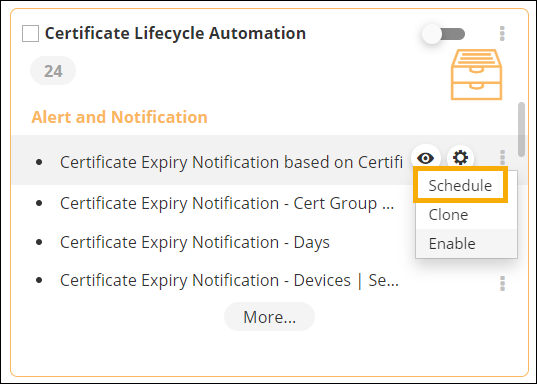
page, hover your mouse over the workflow you want to schedule, and then click
 (Dots) icon.
-
From the options available, click Schedule.
-
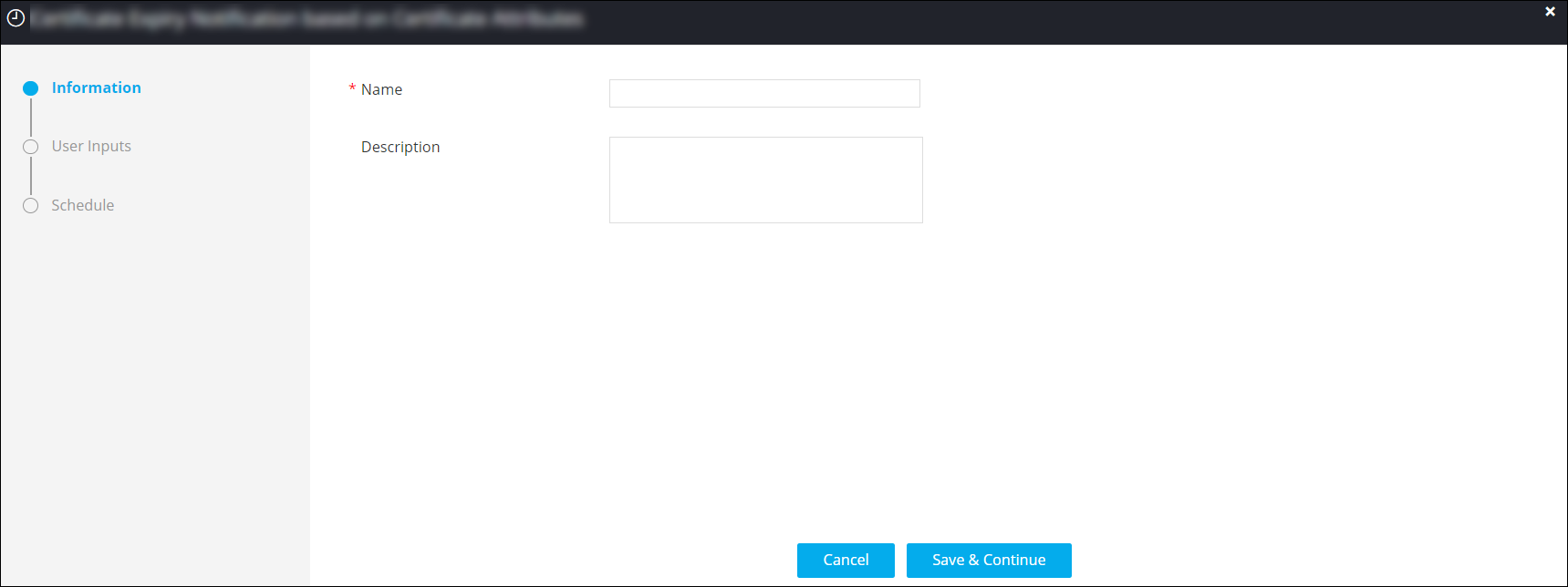
In the pop-up window that is displayed, under required field information for
scheduling this workflow.
-
Click Schedule.
The scheduled workflow is added to the Scheduled jobs on the Request :: Schedule jobs page.
