
Access Policies
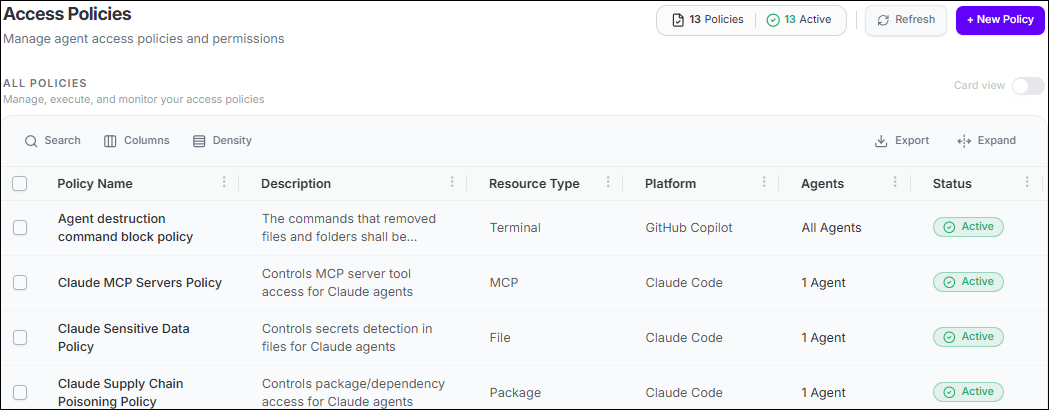
Runtime Access Policies control how AI agents interact with enterprise resources while they are operating. They provide a consistent enforcement layer for deciding which agent actions are allowed, which are blocked, and which require human approval before they proceed.
Policies can govern access to MCP server tools, files, package installation, web destinations, terminal commands, Git repositories and branches, and - where available - AI usage limits. When a matching action is evaluated, Agent Identity Security applies the configured decision and records the enforcement outcome for audit and investigation.
What Runtime Access Policies Can Control
| Resource type | What the policy controls |
|---|---|
| MCP | Agent access to MCP server tools. |
| File | Agent access to files. |
| Package | Package installation by agents. |
| Web | Agent access to web destinations. |
| Terminal | Terminal commands executed by agents. |
| Version Control System | Agent access to Git repositories and branches. |
| AI Usage | Token or cost usage limits for supported coding agents. |
Policy scope and enforcement
Policies can be enforced continuously or, for resource types that support scheduling, only during configured day and time ranges. Only active policies are enforced.
