
Manage Runtime Access Policies
Go to Secure > Policies to view and manage configured policies. The list provides the policy name, description, resource type, platform and agent scope, and current status.
Use the Access Policies page to view, edit, activate, deactivate, and delete policies.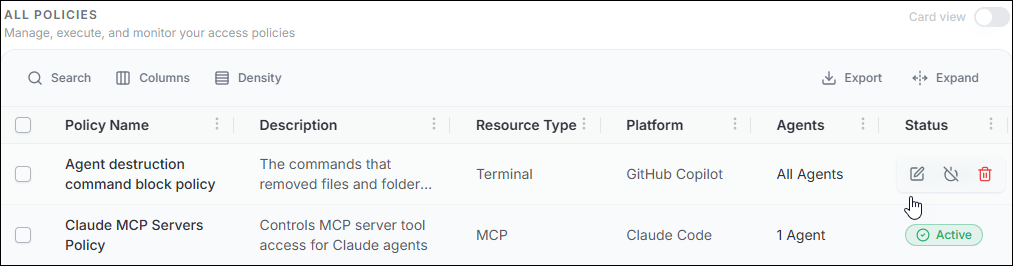
| Action | What it does |
|---|---|
| View | Open the policy configuration and details. |
| Edit | Update policy scope, resource rules, schedule, and approval configuration where supported. |
| Activate / Deactivate | Control whether the policy is currently enforced. |
| Delete | Remove the policy where supported. |
