
Code Signing as a Service 
Note: For Code Signing as a Service, we currently support only
Fortanix HSM.
Note: Ensure the HSM
configuration is stored. If not, please contact AppViewX support.
-
Go to
 (Menu) > Code Signing > GETTING STARTED.
- On the GETTING STARTED page, locate the Create Your Own HSM Account section, then click Create and Manage HSM Account.
-
You will be automatically redirected to the Create HSM Account page,
where you can set up a new HSM account or configure an existing one.
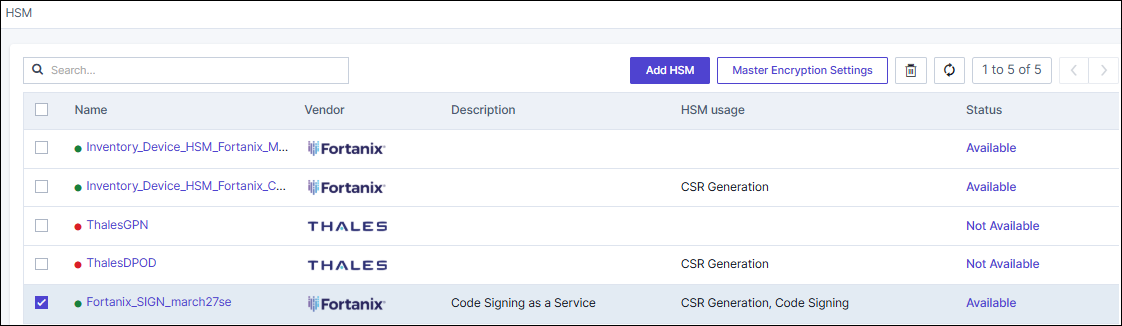 To know more details on configuring Fortanix HSM,
click here.
To know more details on configuring Fortanix HSM,
click here.
