Accessing Code Signing
The following steps explain how to access Code Signing:
- Log into AppViewX with valid credentials. (The product URL will be shared by AppViewX in the onboarding emails).
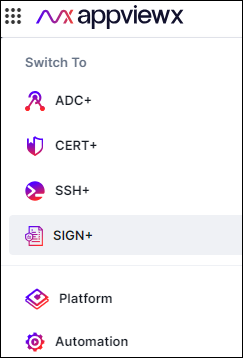
- From the upper left corner of the screen, click
 (Menu).
 - On the displayed menu click Code Signing.
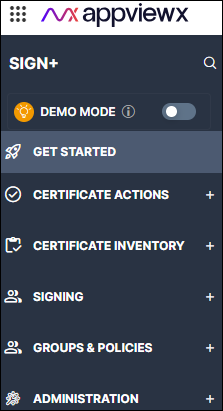
 The Code Signing home page is displayed. The menu is replaced with the menu for Code Signing.