
oAuth 2.0
- In the REST task, under Authorization, select Auth Type as OAuth 2.0.
-
Enter all the required field information.
- Access Token URL of the oAuth server.
- Username
- Password
- Client ID
- Client Secret.
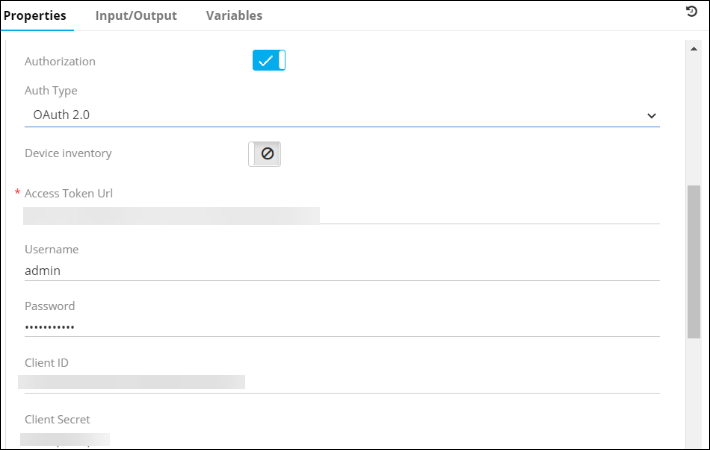 Note: The Password and Client Secret fields are masked.Once this information is submitted, the client will receive an authorization code/refresh token.
 -
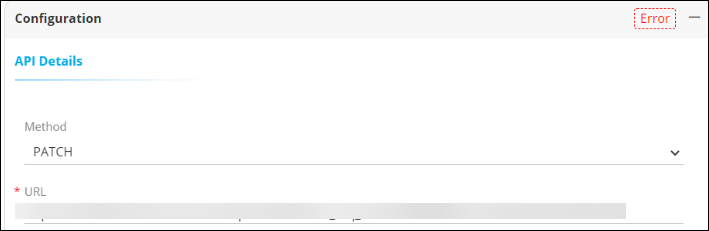
Add this token received from the oAuth server to the URL in the API
Details section.
- Click Save.
