
Verifying/Modifying HSM Configuration for Private Key Encryption
-
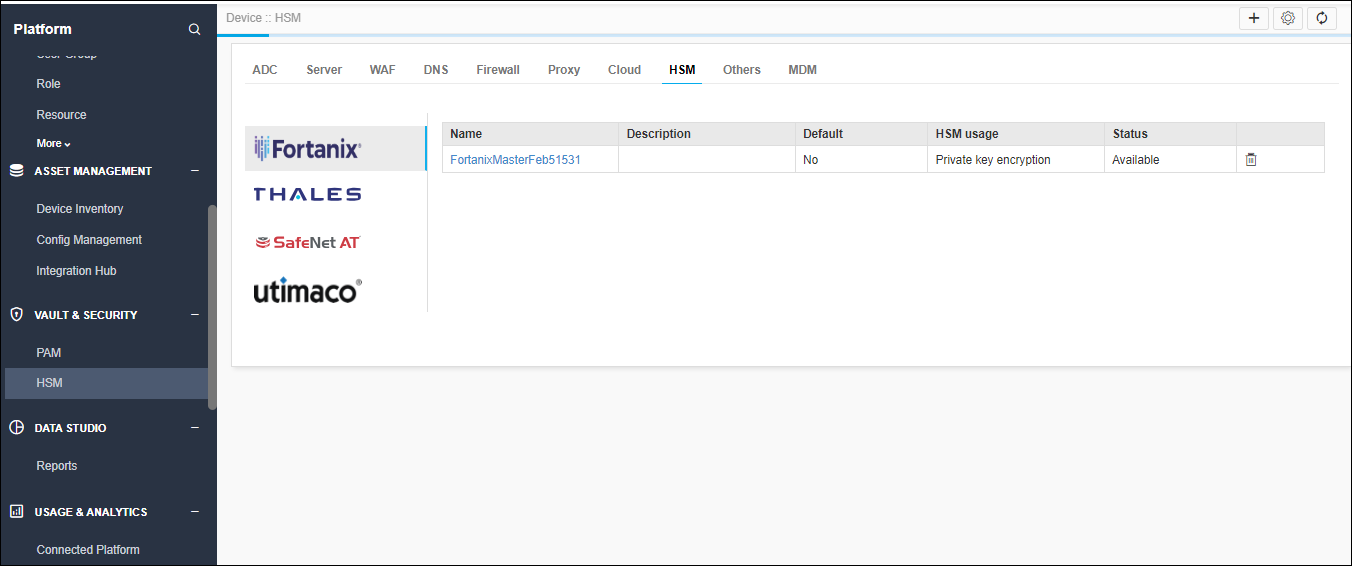
On the top-right corner of the HSM inventory page, click the master encryption
settings icon.
-
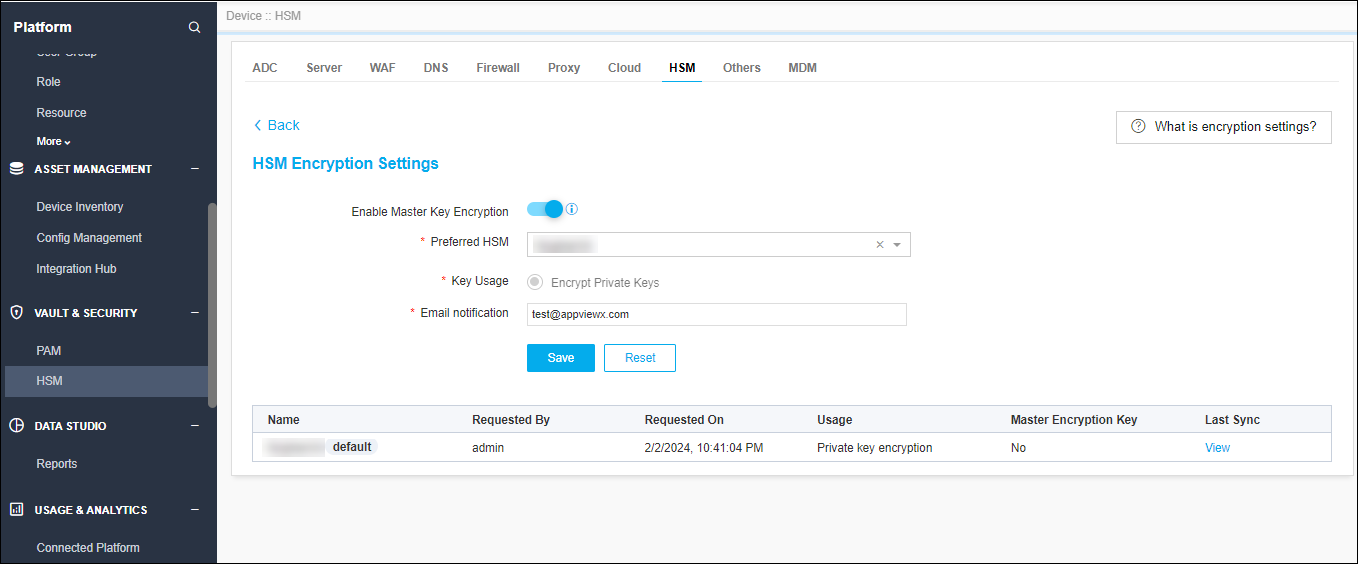
If the already added HSM has implementation type private key generation
or Both and Set as “default” in 2020.3.0 Appviewx version then that HSM
will be available in the Master encryption settings page as default HSM.
-
To receive emails for default HSM health status, configure the email address in
the settings page.
Note: For email use case SMTP settings should be available in Platform > System Administration > SMTP.
- To change the new default HSM, add the new HSM with HSM usage as Master key encryption or both.
- Once the HSM is moved to Available status it will be present in the Preferred HSM dropdown field of the master key encryption settings page.
- Choose the new HSM and click Save.
