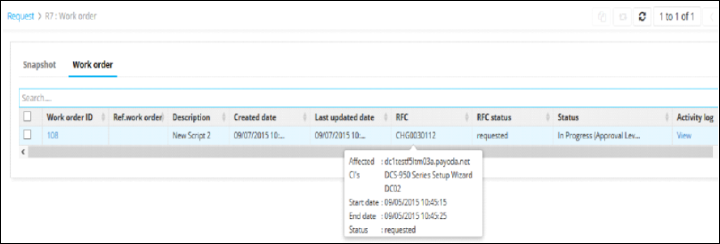
Tooltip Data Configuration
This placeholder gives you the flexibility to customize the tooltip data that is to be displayed in the workorder review page against a specific work order (on hovering over the RFC ID field).
The left side of the assignment denotes the Label to be displayed in the tooltip, and the right side of the assignment denotes the data that is to be shown in the tooltip.
Example tooltip config:
"tooltipData":{
    	    "Affected CI's":"deviceList",
    	    "Start Date":"startDate",
     	   "End Date":"endDate",
     	   "Status":"state"
     }