
Using Variables in Integrations
The following syntax must be used to refer integration variables within a workflow:
<%Integrations.<integration name>.<key
                name>%>
To refer a Terraform integration variable, such as the IP address, in any task within the workflow:
- Go to the Integration Hub.
- On the Workflow > Integration page, click Terraform.
-
On the Vendor Configuration page, enter the field information
to configure the Terraform integration.
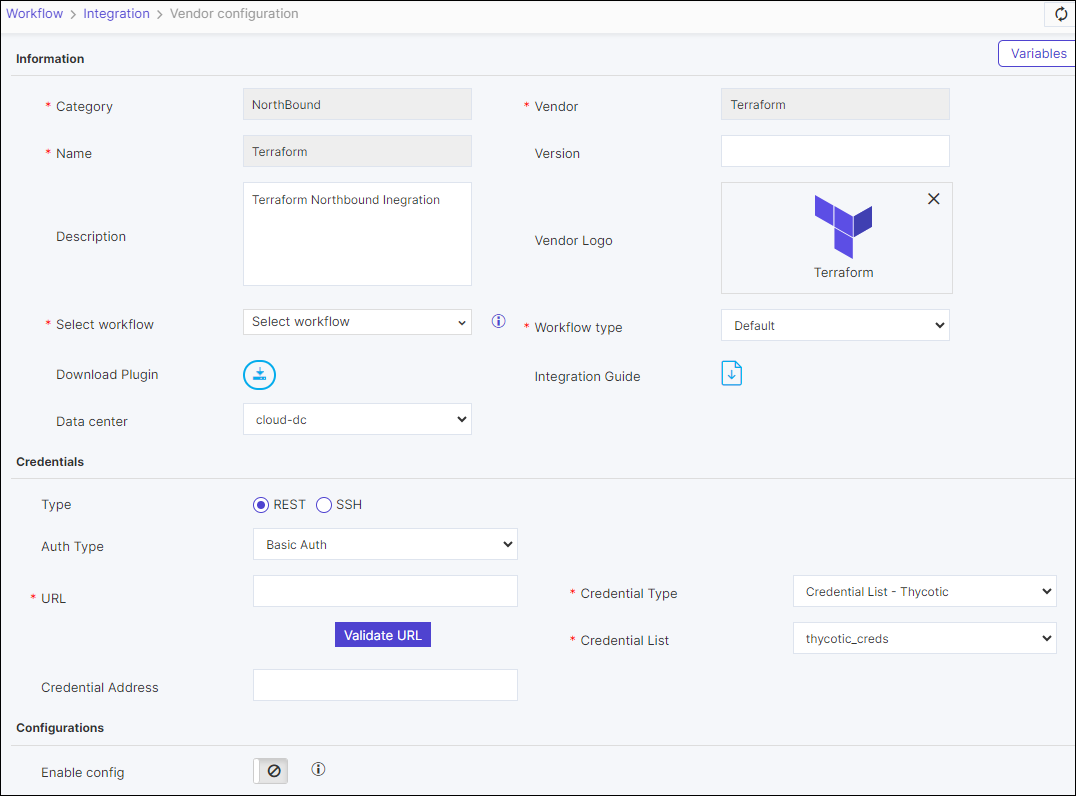 Note: Under Authentication type Basic Auth and Credentials you can select the credential type from the dropdown and enter the relevant details to support credential authentication.
 -
To refer any of the configurations, for example the IP address, as a variable
in any task within a workflow, use the syntax:
<%Integrations.<Terraform>.<key name>%>
