
Terraform - Visual Workflow Northbound Integration 
- Design a new workflow.
-
In the design space, to download the .zip file, click
 above the
Start task.
Tip: You can also click on the Service Orchestration icon
above the
Start task.
Tip: You can also click on the Service Orchestration icon in the command bar on the top, to download the <.zip> file.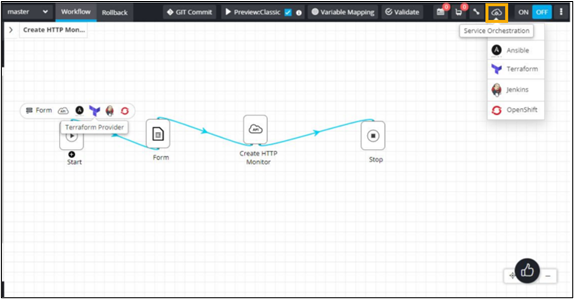
- Extract the <.zip> file.
- From the extracted <.zip> file, copy the <workflowname>.tf file to the installation path of AppViewX Terraform provider.
-
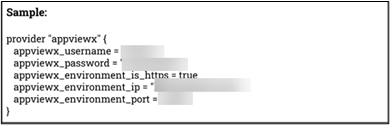
In <workflowname>.tf file, update AppViewX instance details - AppViewX
ID/FQDN, Username, Password, Protocol.
-
Update Terraform meta arguments.

-
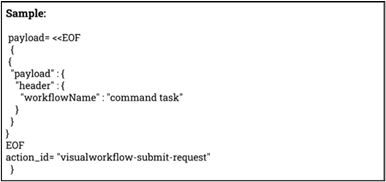
Enter workflow request details under the payload section.
-
Save the changes and execute the file via Terraform commands.
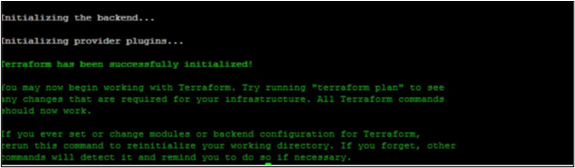
- terraform init
- terraform plan
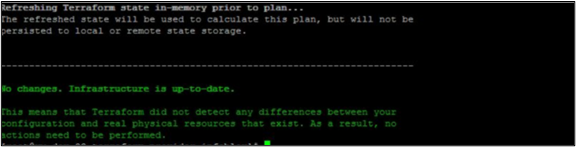
- terraform apply.
- terraform init
