
Filter ADC Search Results
- Run a search.
-
On the search results screen, click the Active drop-down
option.
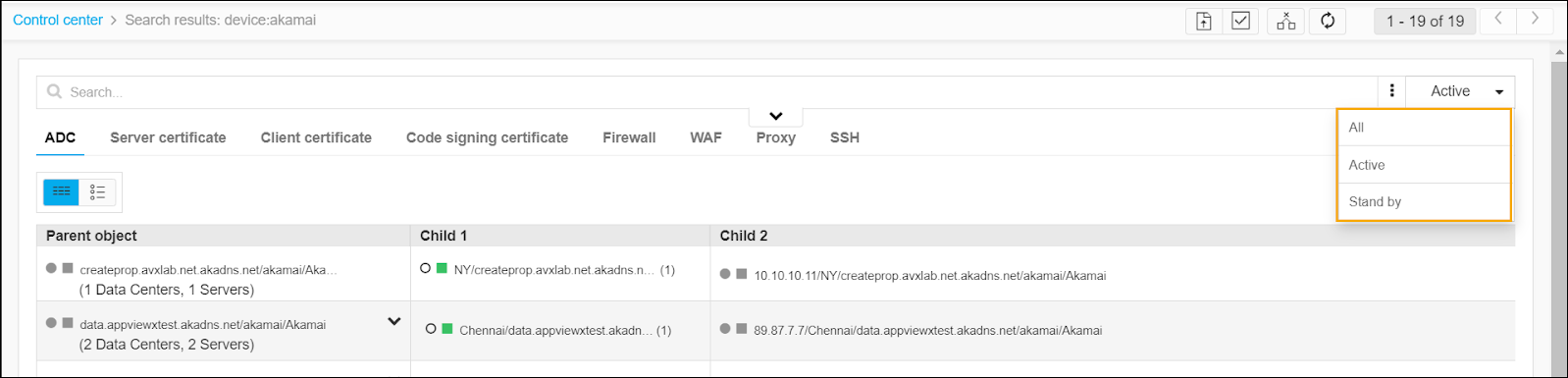
- Select one of the three filter options in the dropdown list that appears:
- All - View all search results, regardless of status.
- Active - View search results for objects with a status of Active.
- Stand by - View search results for objects with a status of Standby.
- The screen then refreshes and filters the results on both the Application view and Infrastructure view based on the filter you selected.
