Searching for Objects
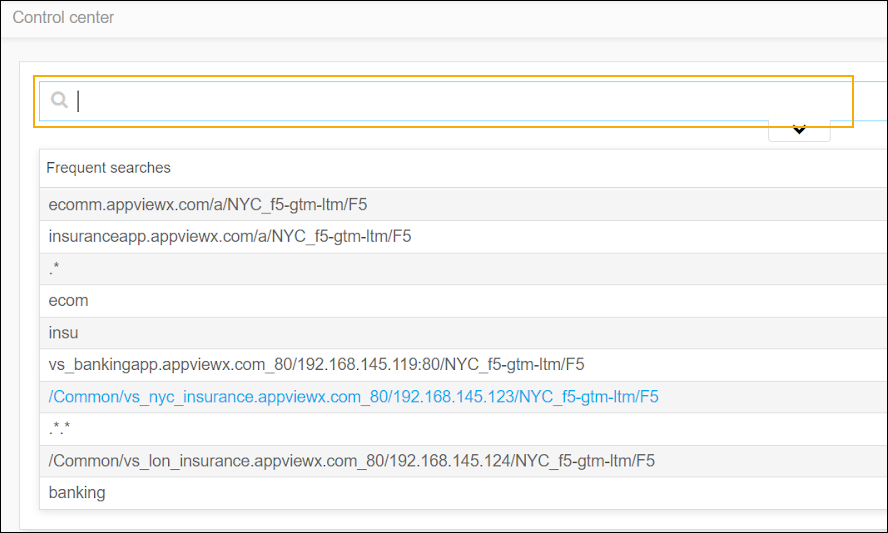
AppViewX allows users to search for objects in the control center module. The search results that are matched with the text entered will be highlighted.
-
Go to Menu >
ADC+ > TRAFFIC MANAGEMENT >
App Search..
When the user clicks on Control Center, it defaults to the search screen.
-
Enter a search query in the search bar and click the enter button on the
keyboard.