
Editing the Workflow Catalog Layout
To edit the layout:
-
On the Request :: Overview
page, from the menu on the left, click View/Run.
Note: Only enabled workflows are displayed on the Request :: View/Run page.
-
On the Request :: View/Run page, from the top right corner of
the screen, click Edit Layout.
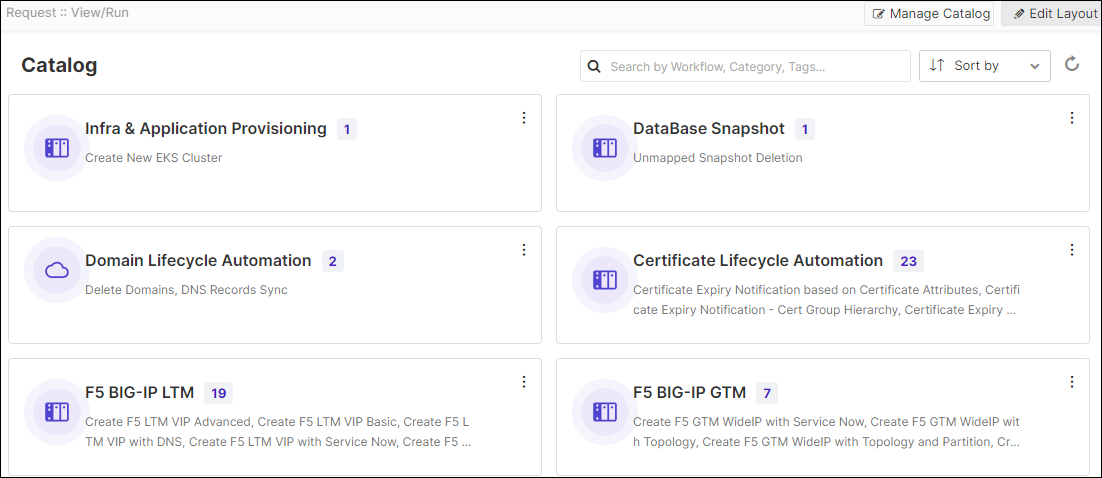
-
Hold and drag the workflow catalog to another area on the page.
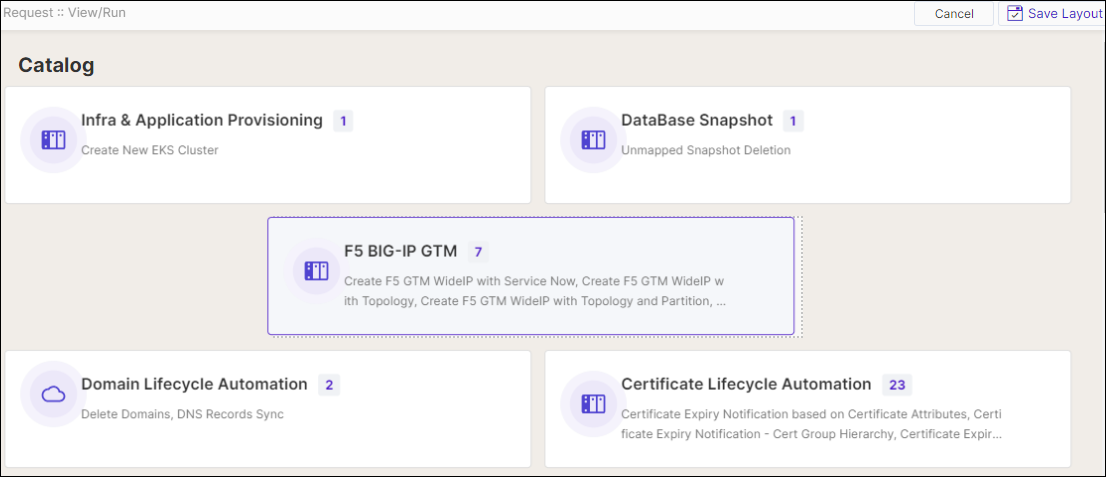
- To save your layout preferences, from the top right corner of the page, click Save Layout.
