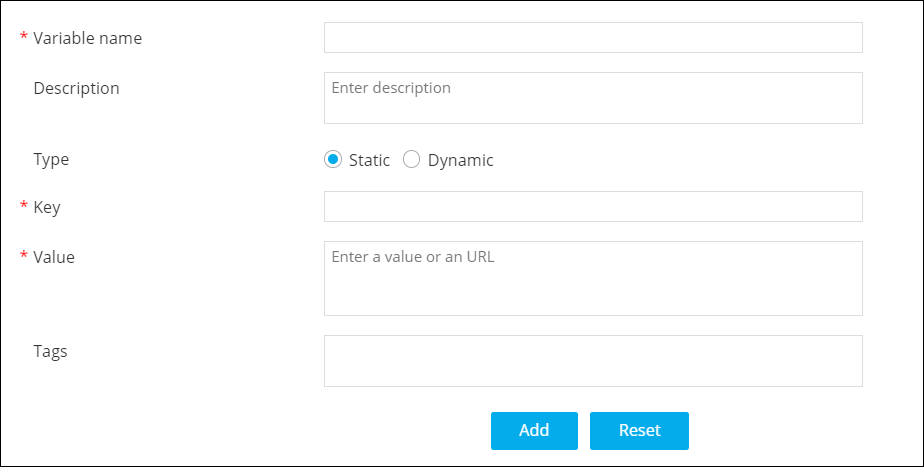
| *Variable name |
Enter the name for this magic variable. For
example: Managed_F5_Devices |
| Description |
Enter a description for the magic
variable. |
| Type |
Select if the magic variable is
- Static: Hooks which are static in
nature can be referred as magic variables. For
example, Slack webhook, ITSM change ticket URL
etc.
- Dynamic: Hooks that execute
dynamically can be referred as magic variables. For
example, Query to get list of devices, Query to get
list of unused VIPs, Query to get list of managed F5
devices etc.
|
| *Key |
Enter a unique key for the magic
variable. |
| *Value |
Enter the values for the magic variable. These can either
be comma-separated values or a URL. Note: This field is displayed only when
you select the Type as
Static. |
| *Hooks |
Enter the name of the hook that you want to define as the
magic variable. For example, Get F5 device name
list. Note: This field is
displayed only when you select the Type as
Dynamic. |
| Tags |
Enter tags to be associated with this magic
variable, if any. This will help you to search for magic
variables by tags. |
| * : Mandatory
fields |


 (Add) icon.