
Using OOB Catalogs
- Go to the Store.
-
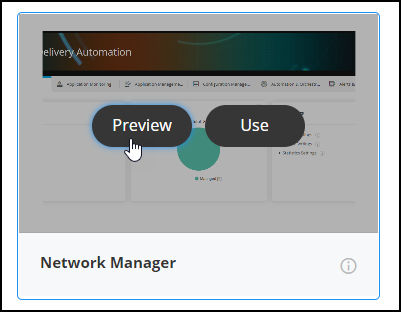
To preview a prebuilt OOB catalog, hover your mouse over a catalog and click
Preview. For example, Network Manager.
 A preview of the Network Manager’s page is displayed in a pop-up window.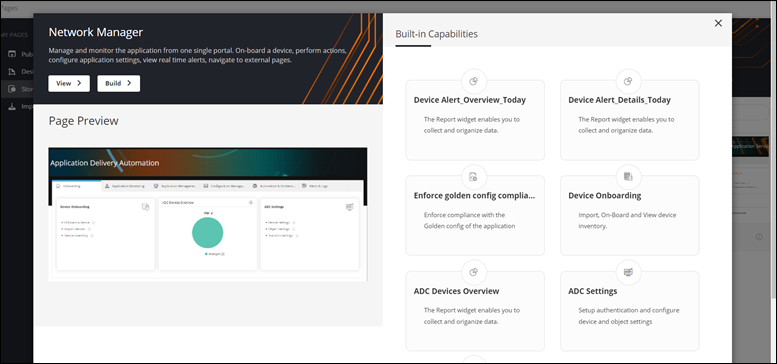
-
To view the complete catalog, click View.
The catalog opens in a new tab.
- To modify this catalog, on the pop-up page, click Build.
