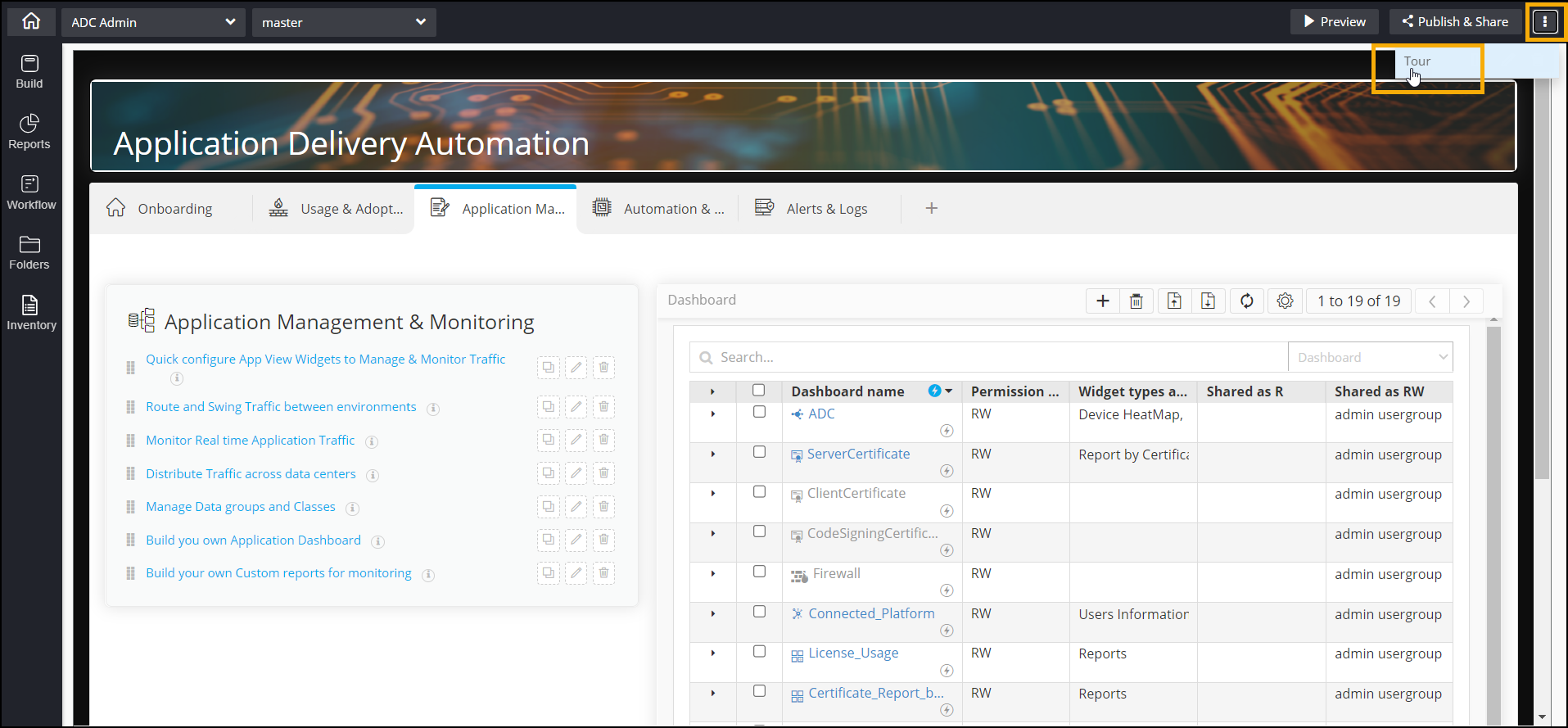
Take a quick tour of the Service Catalog module and familiarize yourself with its various
functionalities. Users will be prompted to take a tour when they access the Service Catalog
and build a custom catalog for the first time. There is also a provision to explore the tool
from any catalog in design mode.

 .
.