
Getting Started
To enable Policy Engine, see Enabling Policy Engine.
A policy in Policy Engine outlines the approved rules and steps for certain actions to ensure they meet established standards and regulations. For example, new certificates may be required to use a particular key type, or there may be specific naming conventions for common names. Additionally, the certificate enrollment process could require two distinct approval levels.
After enabling the Policy Engine, click the Policy Engine option
under  (Menu) dropdown to go to the Policy Inventory page, where the
Welcome to Policy Engine popup will be displayed.
(Menu) dropdown to go to the Policy Inventory page, where the
Welcome to Policy Engine popup will be displayed.
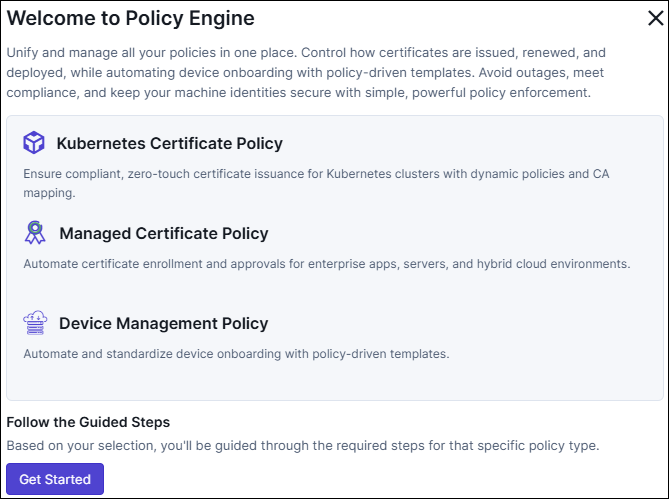
Click Get Started to create your first policy.
The Create Policy pop-up is displayed. To configure the policy, see Create Policy.
