Configuring RBAC for Activity logs
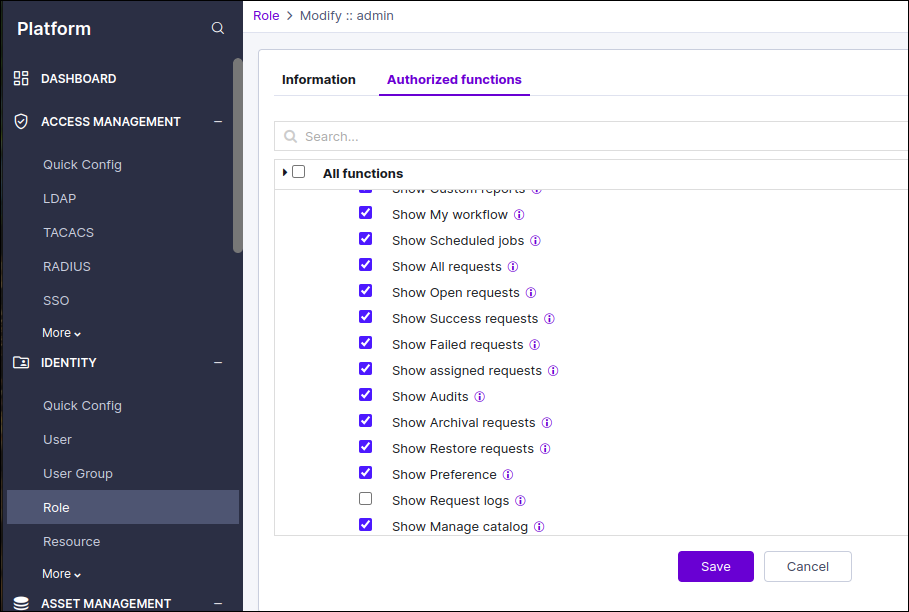
The RBAC (Role-Based Access Control) includes the 'Show Request Log' option to
restrict access to logs in visual workflow requests.
- By default, this permission is enabled for all existing roles.
- This feature applies exclusively to Service Tasks (UI tasks remain unchanged).
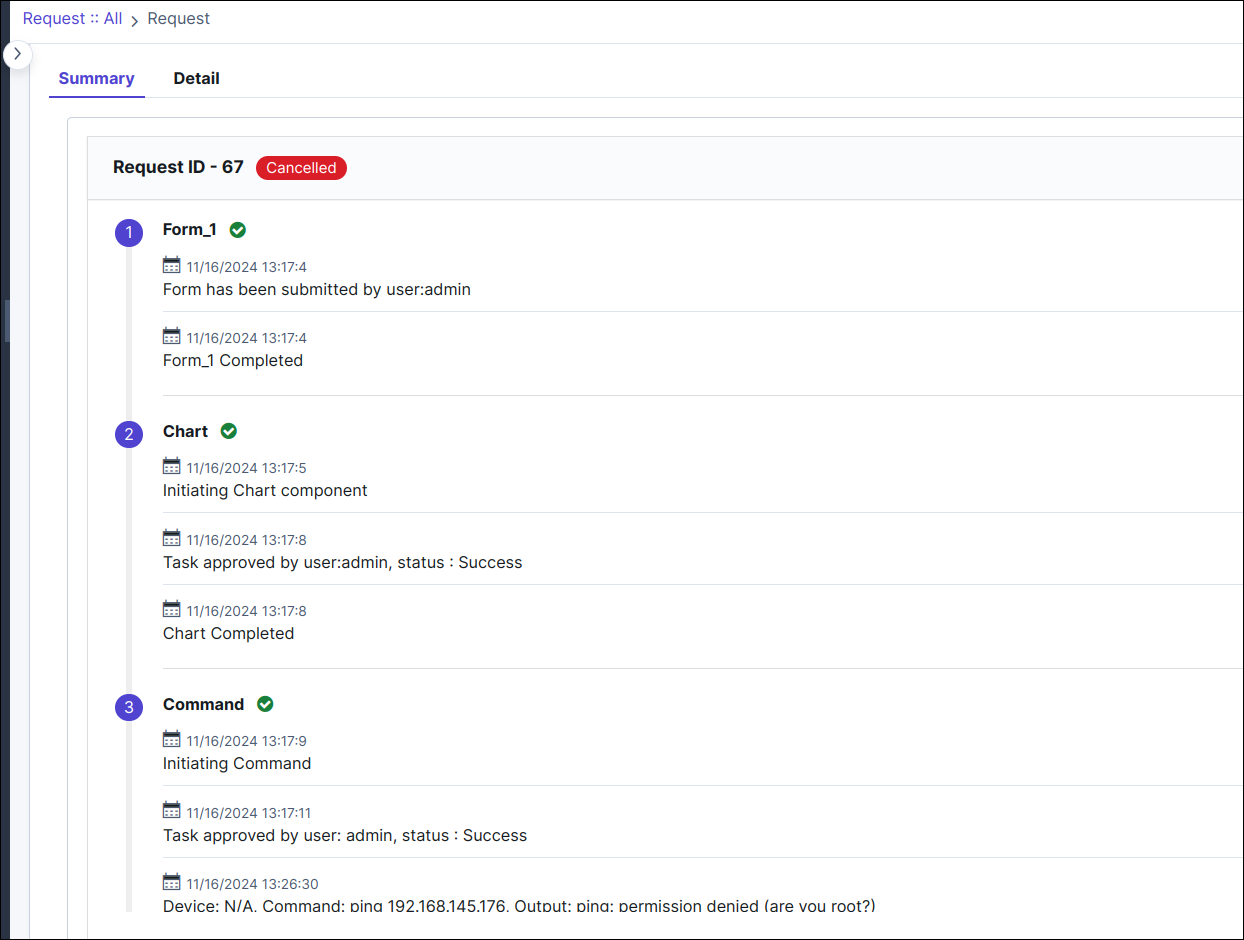
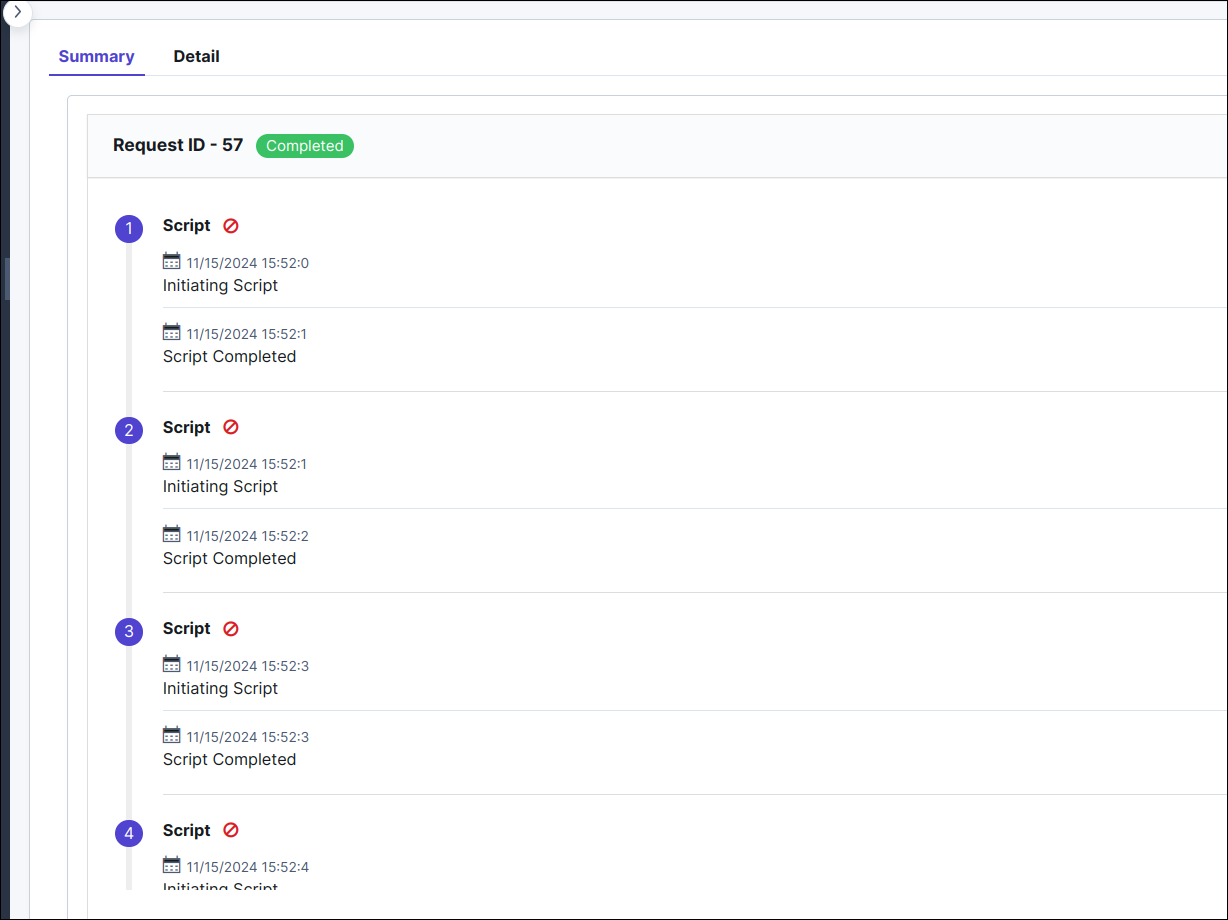
- In the activity log for Service Tasks, only 'Task initiated' and 'Task completed' entries will be displayed.
- Additionally, the logs for Service Tasks will be hidden when a request is executed.
- Go to Menu > Platform module > under IDENTITY, select Role.
- Select the role for which you want to enable access. For example, admin.
- Under Authorized functions, expand Automation > Service Requests > User Preference.
- Under User Preference, ensure that the Show Request Log checkbox is selected/unchecked based on the access to provide.
When ACF (Show Request Log) is enabled, the logs can be viewed in the
Activity Log and Script execution task as shown below. 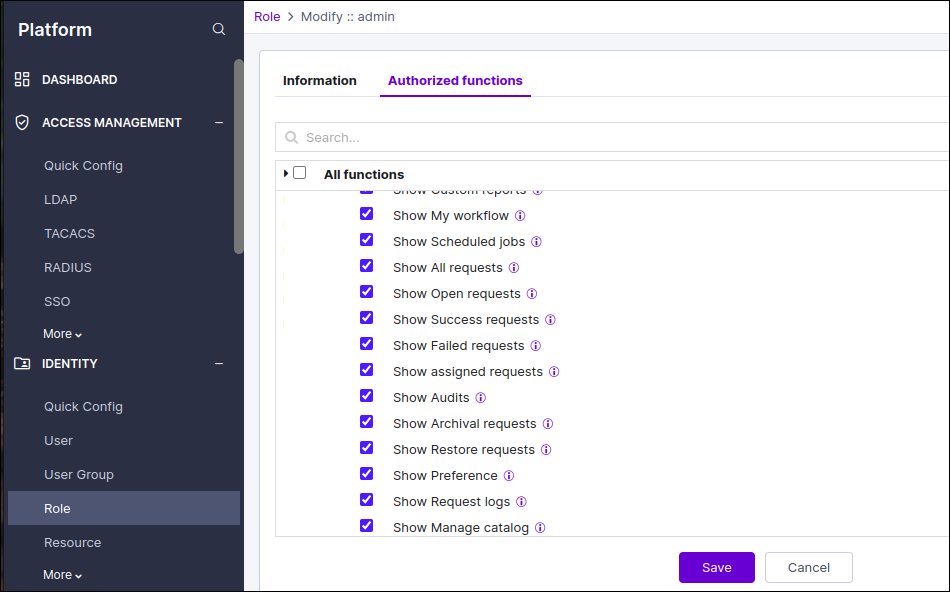
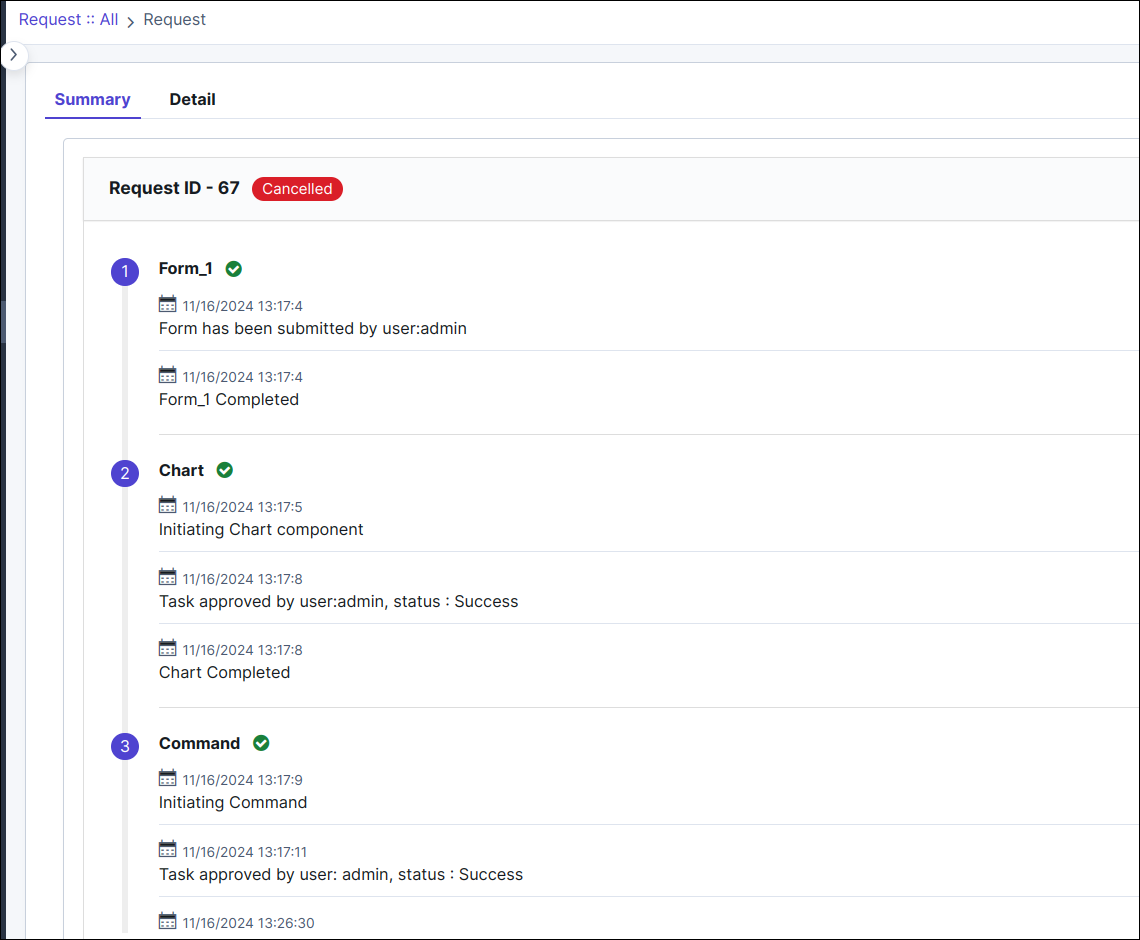
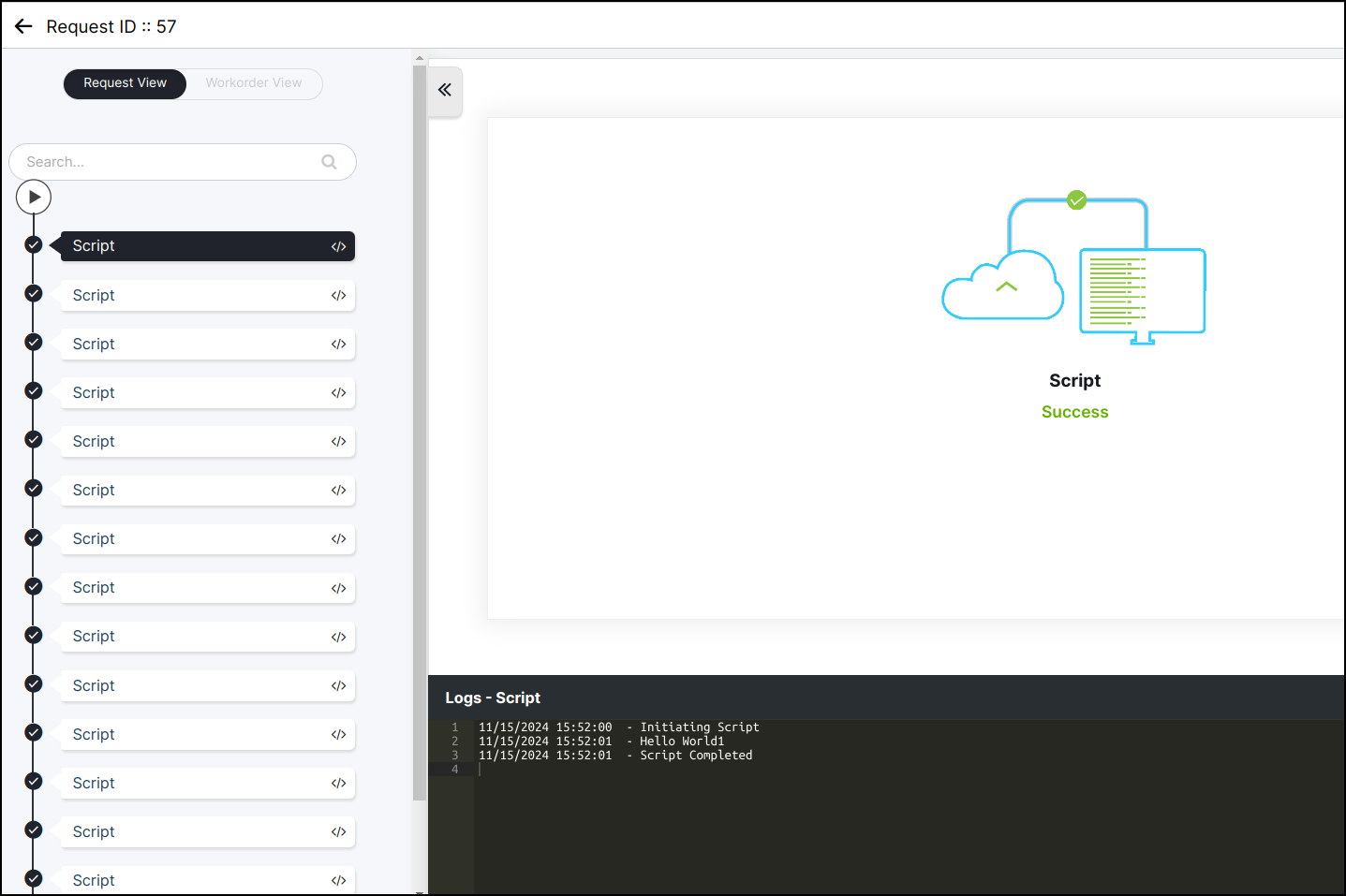
When ACF (Show Request Log) is disabled, only the 'initiate' and
'complete' logs are displayed in the Activity Log as shown below. This is only
applicable for Service Tasks.