
Viewing the Workflow Log Summary
-
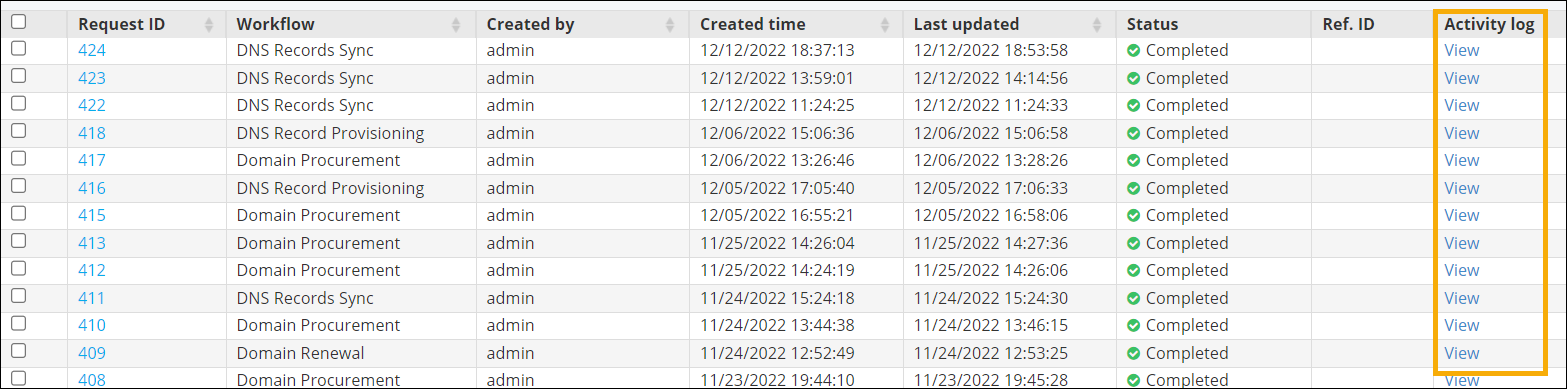
On the Request ::
All page, under the Activity log
column, click View next to the workflow for which you
want the summary.
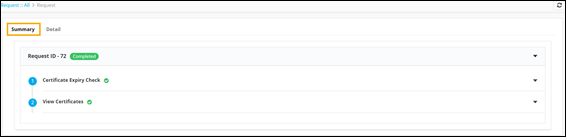
 A Summary of the workflow stages is displayed.
 Note: The RBAC (Role-Based Access Control) includes the 'Show Request Log' option to restrict access to logs in visual workflow requests. Refer to the section Configuring RBAC for Activity logs.
 -
To view the workflow log requests details, click
Detail.
A detailed log of the workflow stages is displayed.

