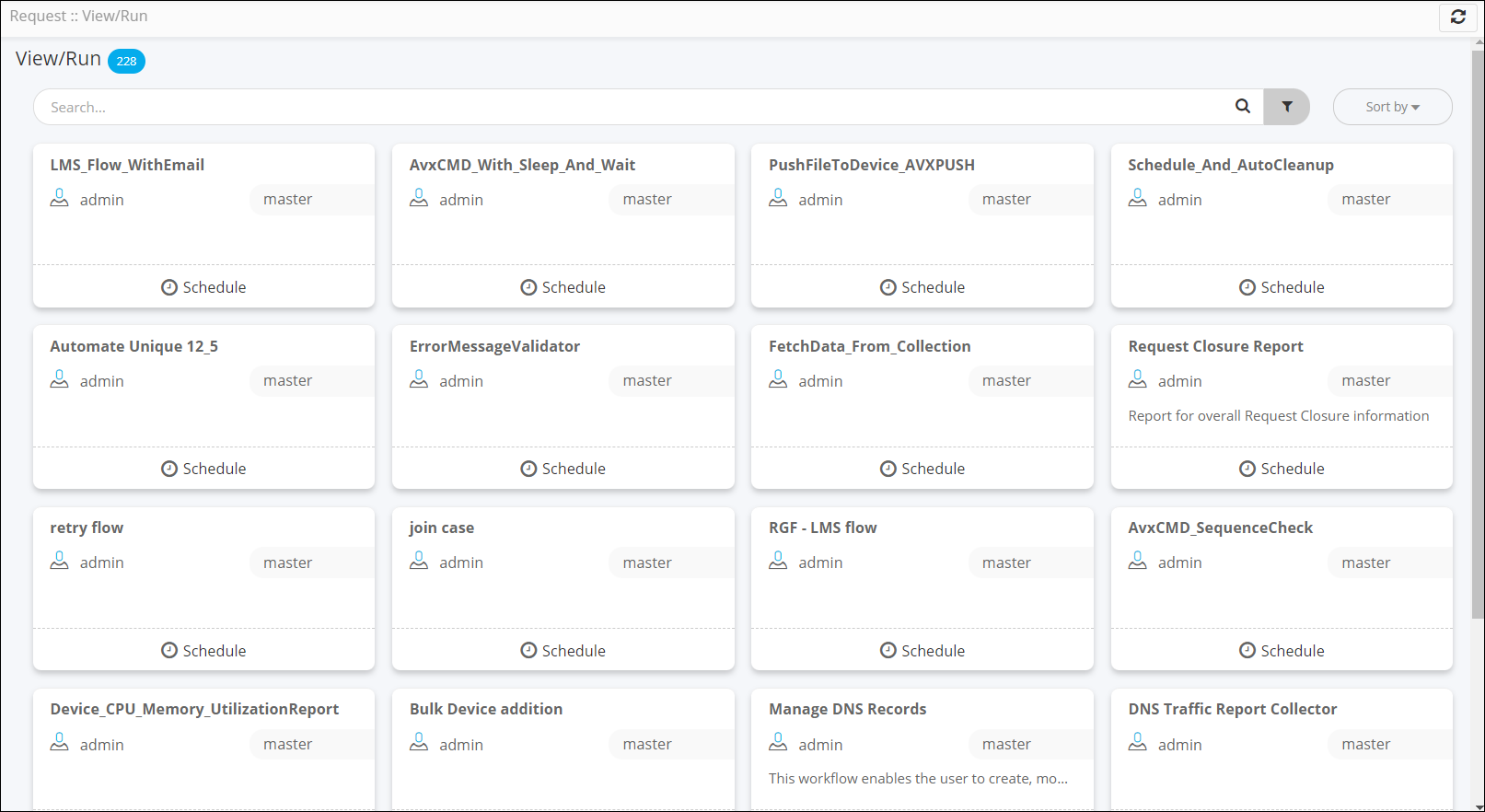
Viewing the View/Run page in Classic mode
-
On the Request ::
Overview page, from the navigation pane on the left, click
Preference.
The Preference :: Landing page window is displayed.
- To display the View/Run page in Classic mode, in the Preference :: Landing page window, turn on the View/Run (Classic) toggle.
-
Click Apply.
The View/Run page is displayed in Classic mode.