Get device associate
scriptimport sys
import json
sys.path.insert(0, AVX::DEPENDENCIES)
sys.path.insert(0, AVX::HELPER)
import appviewx
def device_list():
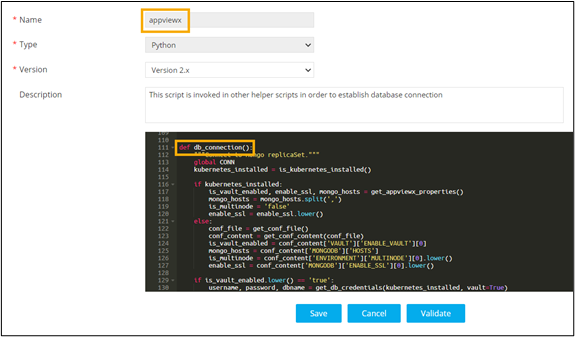
connection = appviewx.db_connection() _--------------------------------> helper.helperfunction()
collection = connection.appviewx.device
dev_list = [value['name'] for value in collection.find({"vendor":"F5", "category" : "ADC"})]
dev_list = sorted(filter(None,dev_list), key = lambda s: s.lower())
print (json.dumps([{'Device': name} for name in dev_list])) if dev_list else (json.dumps({'error':"No Device to list"}))
device_list()