
Switching between Edit mode/Citizen mode 
- Design a workflow with workflow tasks.
-
To switch to citizen mode, in the task window, deselect the Edit
mode checkbox.
In the Citizen mode of the task window, variables referred in the script are listed under Input, while the values declared as Global Variables are listed under Output.
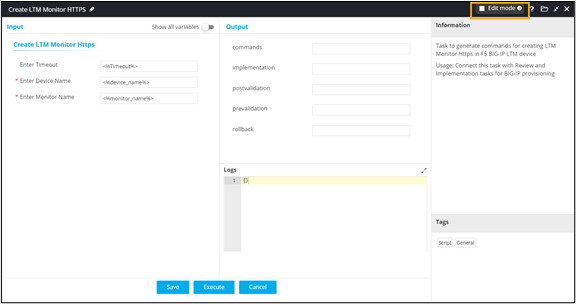
- To switch back to Edit mode, select the Edit mode checkbox.
