
Rollback Steps For Failure in Certificate Updates
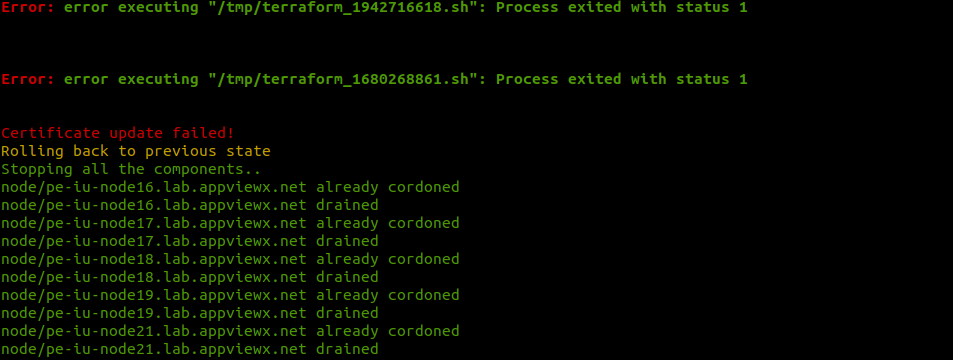
Note: The pods can either be in the
Init:CrashLoopBackOff state or the Pending state.
-
Init:CrashLoopBackOff: If the pod is in this state, delete the pods by
executing the command
kubectl delete pod <podname> -n <namespace> –force -
Pending: If the pod is in this state, execute the commands in the order
mentioned below:
-
kubectl scale –replicas=0 deploy/<component name> -n <namespace> -
kubectl get pods --all-namespaces | awk '{if ($4=="Terminating") print "kubectl delete pod " $2 " -n " $1 " --force --grace-period=0 ";}' | sh > /dev/null 2>&1 -
kubectl scale –replicas=3 deploy/<component name> -n <namespace>
Replicas can be changed based on the initial setup.
-
