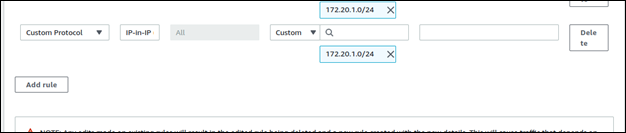
Enabling the IP in IP Protocol
Warning: Follow these steps ONLY if you want to deploy
AppViewX on AWS.
You must enable the IP in IP protocol between the nodes in the AWS security group before deploying AppViewX.
- Log in to the AWS console.
- Navigate to the security group that needs to be modified.
- Click Edit inbound rules.
- Click Add rule.
-
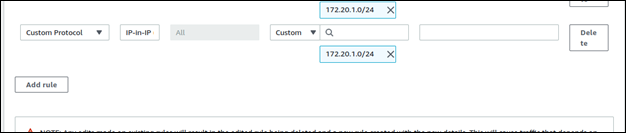
From the Add rule list, select Custom Protocol.
-
Enter the protocol value as 4.

- Enter the subnet across which IP in IP needs to be enabled.
- Click Save rule.
The protocol automatically changes to IP in IP.