
Connecting Workflow Tasks with Failover - RGF Flow 
- Design a new workflow.
- In the Script task, define two outputs for ‘success’ and ‘failover’ outcomes.
- Based on the script output, connect the links to the relevant workflow tasks.
-
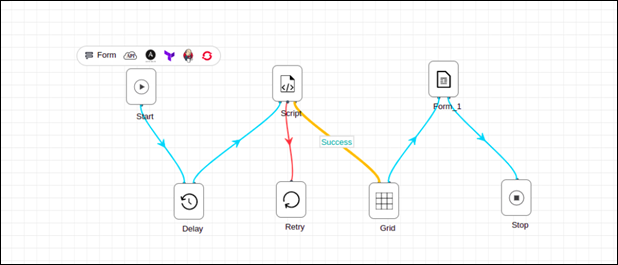
In case of success, proceed to the next task.
The Success link is displayed in blue color.
-
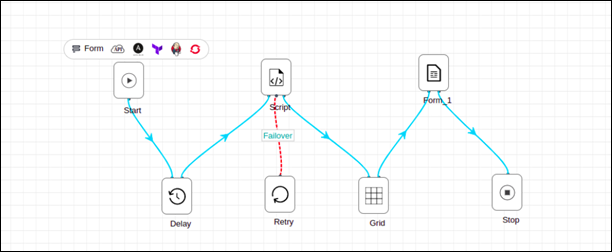
In case of failover, send an email notification and perform a retry.
The Failover link is displayed in red color.
 Note: The selected link is displayed in orange color.
