Retrying a Workflow
- On the Request :: All page, click on the failed Request ID of the workflow that you want to retry.
-
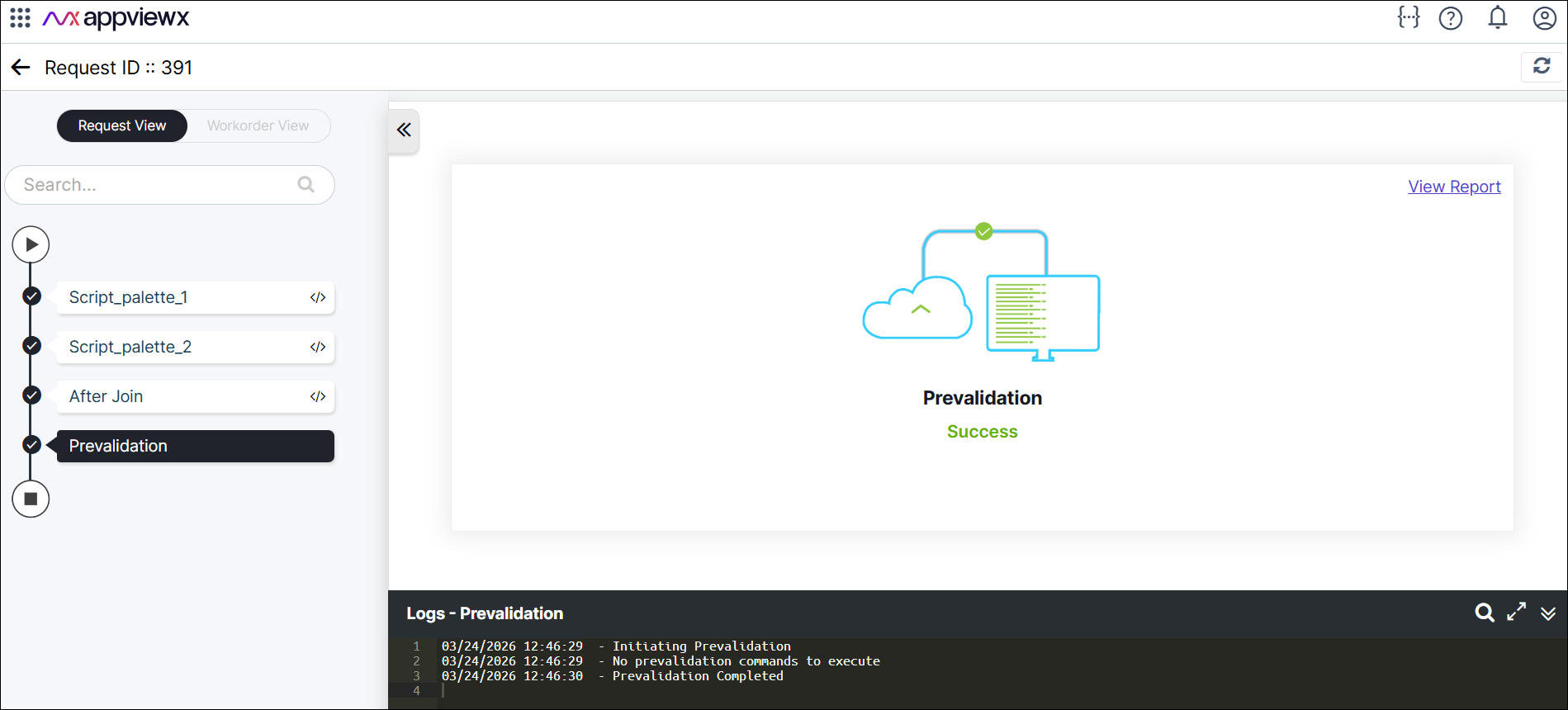
In the left panel, review the sequence of steps:
- For example,
- Script_palette_1
- Script_palette_2
- Implementation
- After Join.
-
Right-click the on the options that has been failed, select
Retry.
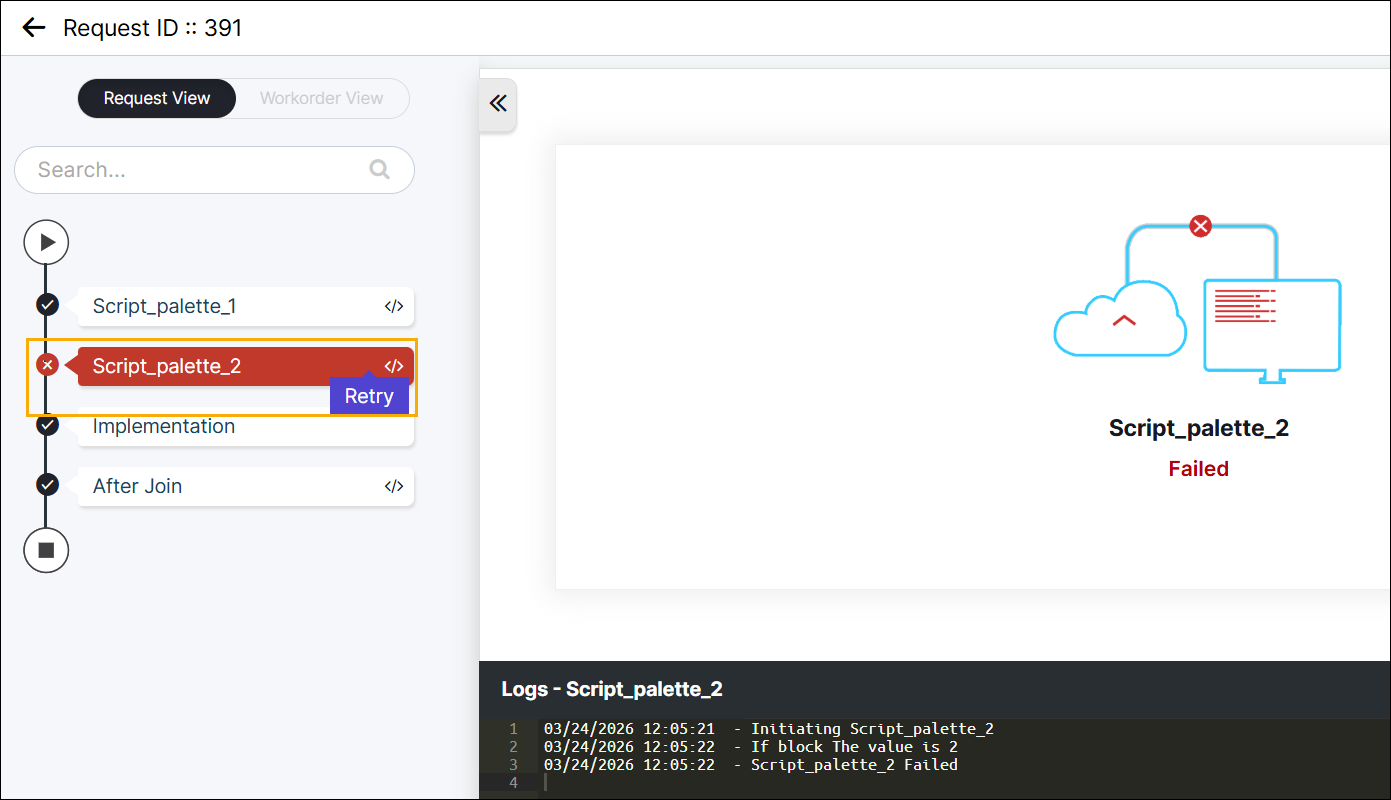 Ensure the step status changes to Completed.