
Logs
Logs ensure traceability, security compliance, and operational transparency by maintaining a detailed record whenever the state of PKI services or administrative responses changes.
Audit logs include all critical status
transitions and responses for:
Prerequisite- CA Service (Root/Subordinate CA availability)
- CRL Service (CRL generation, publication status, errors)
- OCSP Service (responder status, response availability, validity, and failure events)
- Administrative Responses (configuration changes, enable/disable actions, and manual interventions)
- Enable Logs function by going to
 .
.
-
Go to
.
The Logs page is displayed. By default, the PKI tab is selected.Note: Alternatively, you can access the PKI+ logs from
. Ensure to enable Logs function by going to
.
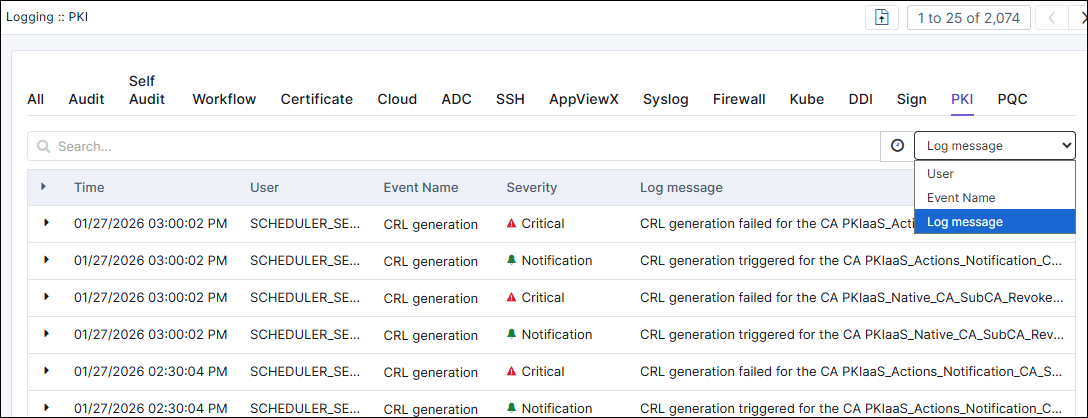
- You can use search or filter logs by User, Event Name, or Log message.
