
Filtering the Rules
You have the capability to filter and display specific rules on the security policy homepage. This feature allows you to customize which security rules are visible, making it easier to focus on and manage the particular rules that are relevant to your current task or concern.
To filter the rule,
-
Go to Menu > FIREWALL+ > POLICY MANAGEMENT >
Security Policy.
The security policy home page is displayed.
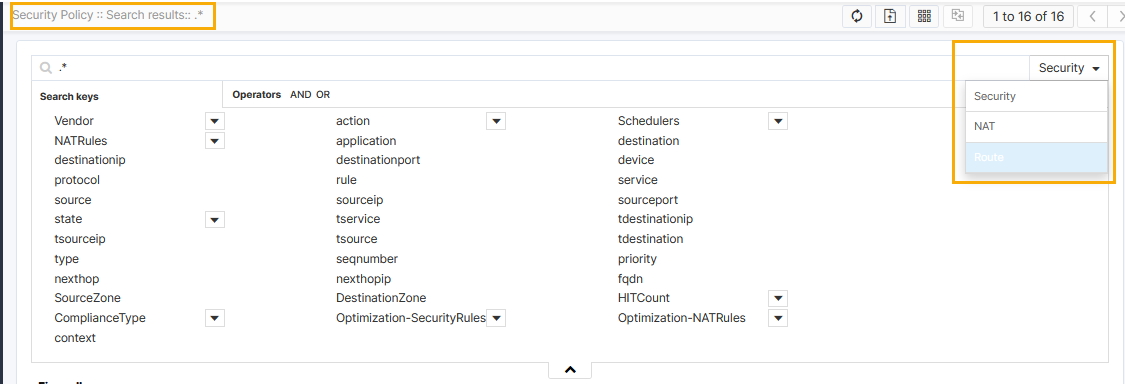
- From the right-middle of the page, click the drop-down menu, and then select the required rule from the list.
