
Setting up the Landing Page under User Preferences
To set landing page under user preferences:
-
From the top right corner of the screen, click
 (Profile) icon.
- From the options displayed, select User preferences.
-
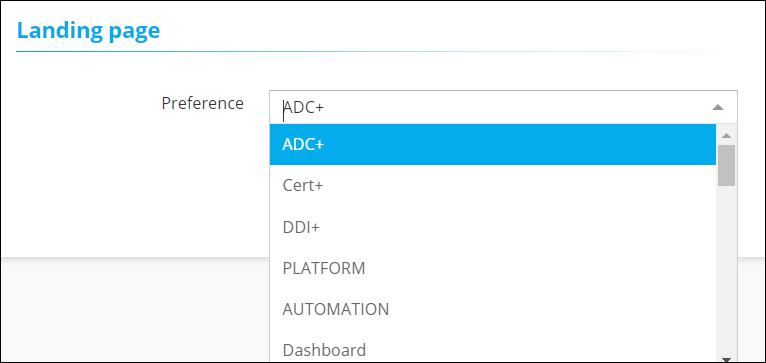
On the User preferences page, from the drop down in the Landing page
section, select the catalog that you want to set as the landing page.
- To set the selected catalog as your landing page, click Save.
