
App Search
The App Search module displays a centralized object repository from the Control Center that allows you to search for and then monitor and manage all the entities, configurations, or objects of the ADC devices. Control Center provides a holistic NOC overview for app teams and network teams to quickly search and monitor application services based on RBAC in a visual intuitive topology view.
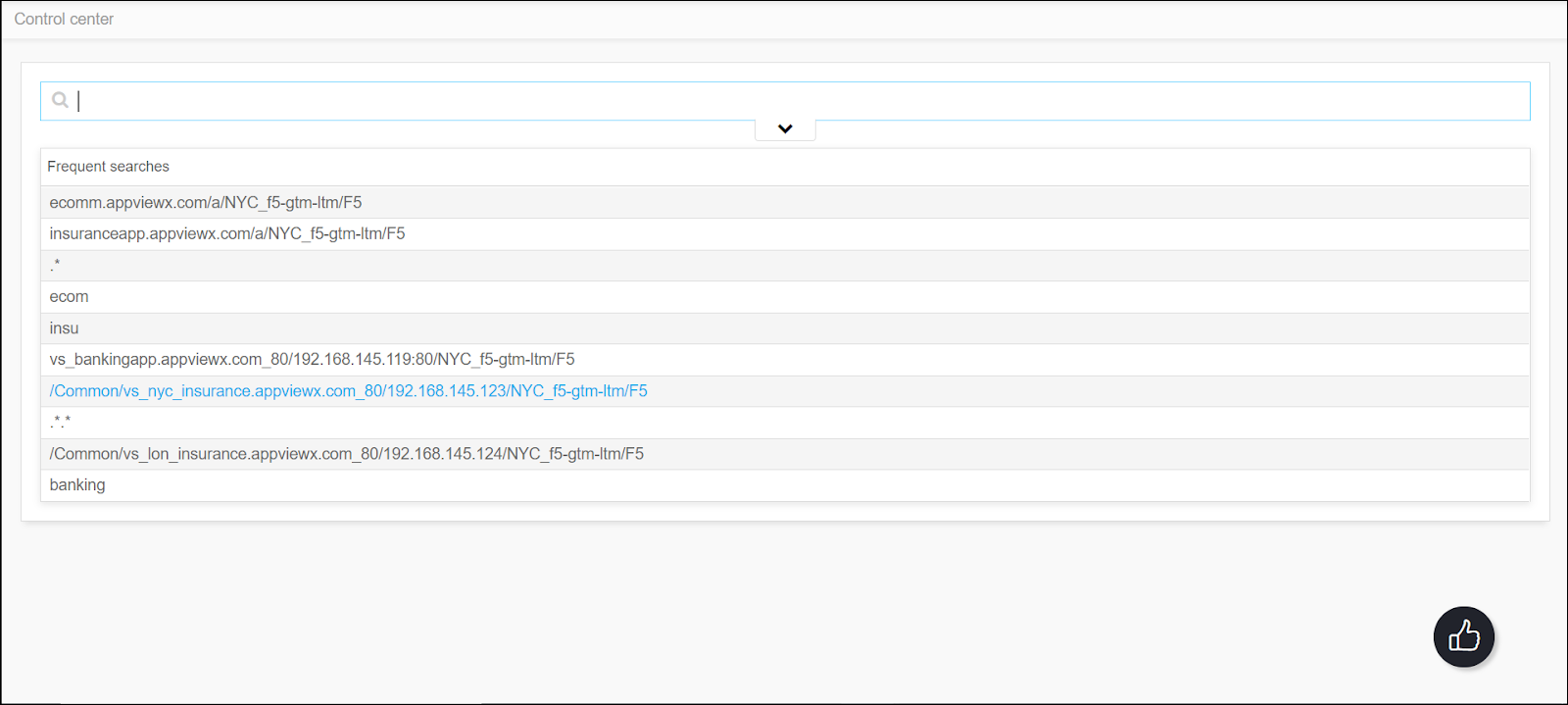
In App Search module, the Control Center acts as a search engine inside the AppViewX to search and monitor any Application in your infrastructure. From the app search, any application-related details can be searched/found the complete infrastructure details and services supporting the application. The Control Center within the App Search module also provides better insights into the configuration, state, and performance of the application and helps to troubleshoot application outages more effectively.
To use the Control Center within the App Search module, the following prerequisites must be met:
-
Each device you want to control must have been a managed entity in AppViewX.
-
A role and resource must have been assigned with the appropriate device/object level that you want to control. However, for the orphan and secondary objects, global access must have been provided.
