
Accessing the Service Catalog
-
From the navigation pane on the left, click Service
Catalog.
The Catalogs page is displayed.
-
On the Catalogs page, click AppViewX
Catalog.
The AppViewX Catalog page is displayed with the following certificate request items:
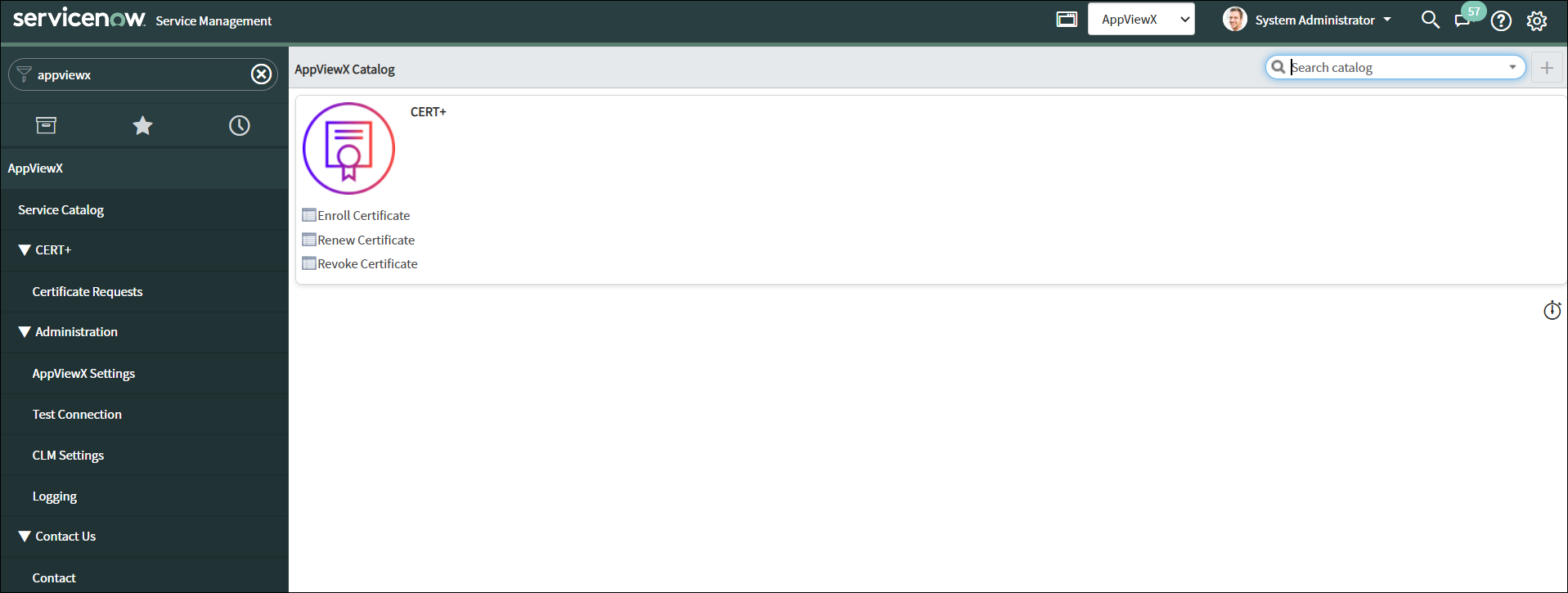
- To request for a certificate service, click on the required catalog item.
- Enter or select the field information in the input form.
- To trigger the corresponding workflow in AppViewX, click Order Now.
