
Zones Inventory
-
Go to DDI > Inventory, and then
click Zone.
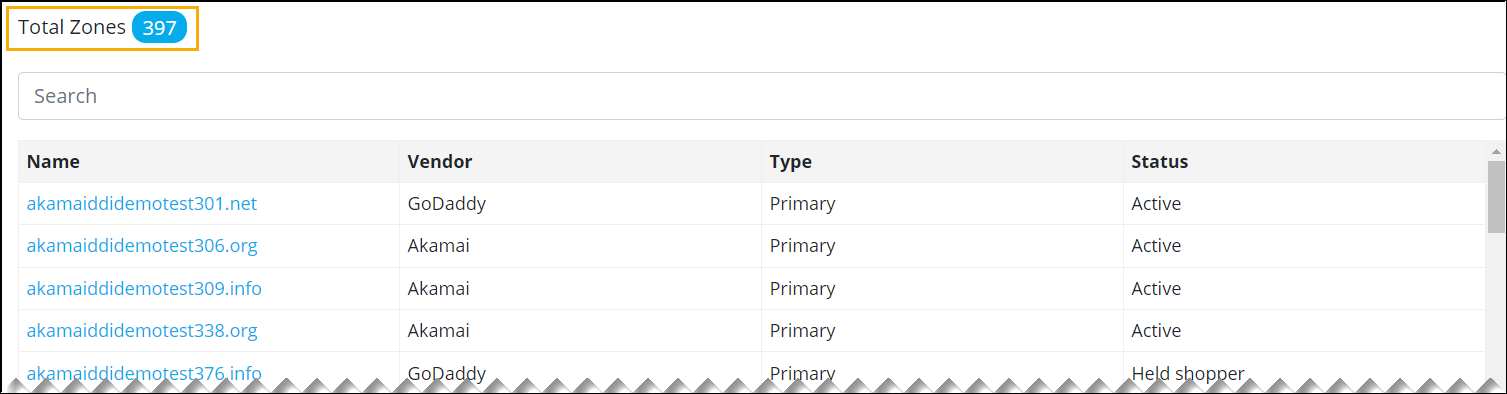
An inventory of all the zones managed across different DNS Vendors managed in DDI platform is displayed with information about the vendor, type of zone, and status.
-
For more information about a particular zone, click on the zone name from the
list.
You can view the corresponding DNS records.
