
Downloading and Exporting the Dashboard Reports
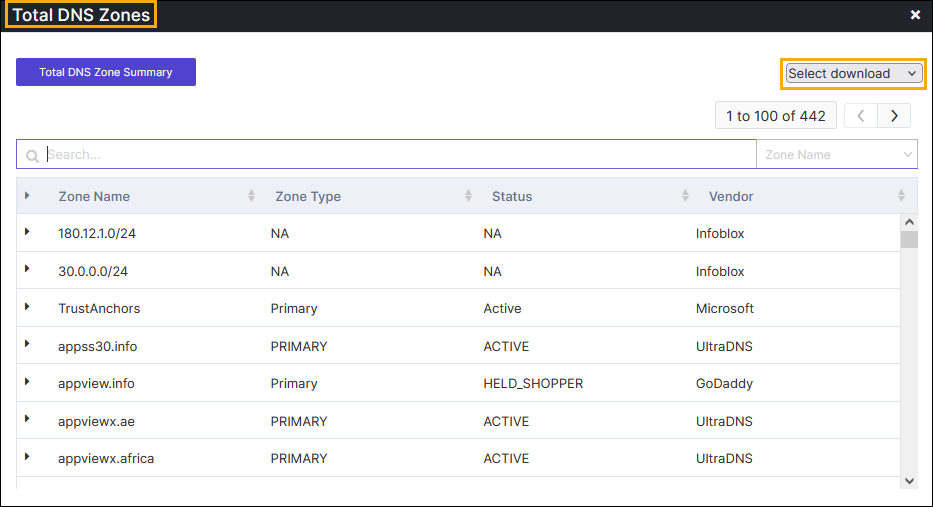
To download/export the respective metrics, perform the following steps:
-
Go to DDI+ > Dashboard, and then
click on the desired metrics.
The metrics is displayed with detailed information.
-
Click the (
.png) ) Kebab menu, and then click the Select download
dropdown menu to download or export the file.
The available options are:
) Kebab menu, and then click the Select download
dropdown menu to download or export the file.
The available options are:- Download as PDF
- Export as Excel
- Export as CSV.
