
Import
To import a
catalog:
| New Menu | Old Menu |
|---|---|
|
|
|
Note: For more information on how to
switch between menus, click here.
|
|
-
To select a file to upload from your machine, click Browse.
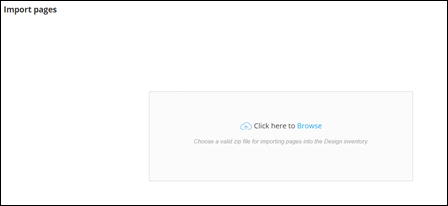
- Select the file(s) to be uploaded.
-
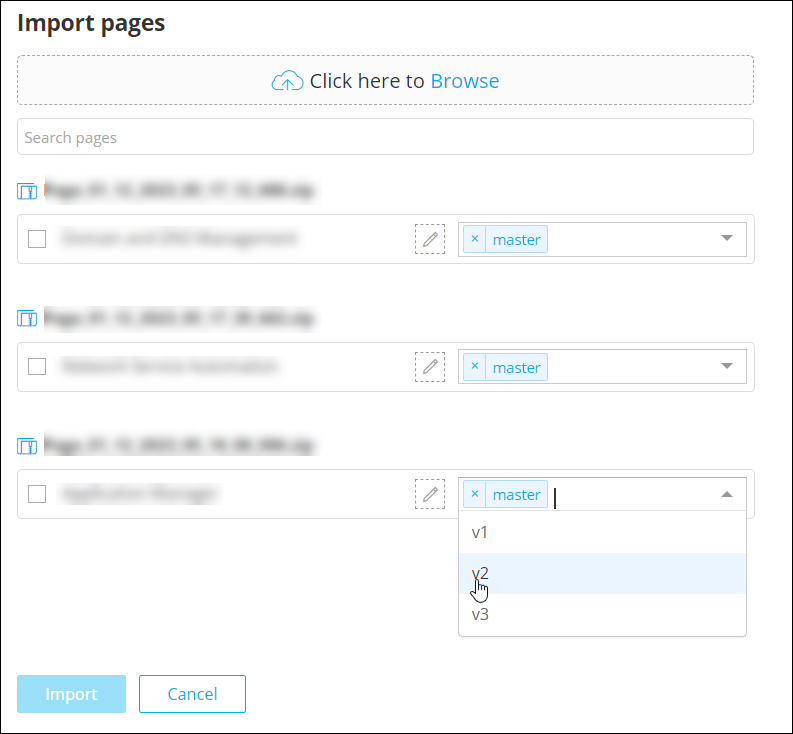
Once the files are uploaded, select the version for each catalog.
-
To change the name of the catalogs before importing it into the Design
inventory, click
 (Edit) icon next to the name and type in the new name.
-
Once you have selected the required version, click Import.
The imported catalog is added to the Design Inventory.
