
Issue in Class Management - Modify Action
When the Modify Action is executed on a particular class, the newly added values are not reflected in the device.
- Log in to AppViewX.
- Click Menu > TRAFFIC MANAGEMENT > Dashboards.
- Search the ClassManagement Widget > View log >and check for the Error Message for the Action failure.
-
Action Execution Failure is shown in Widget.

-
View Log shows the actual error message.
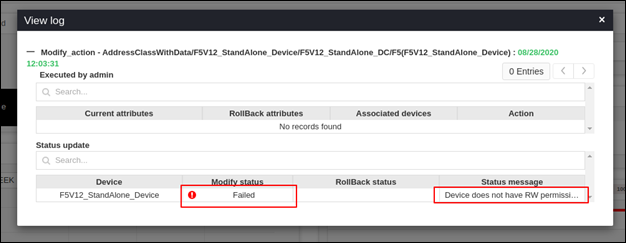
-
Navigate to Main Menu > Logging > ADC.

-
Search for the operation that was performed.
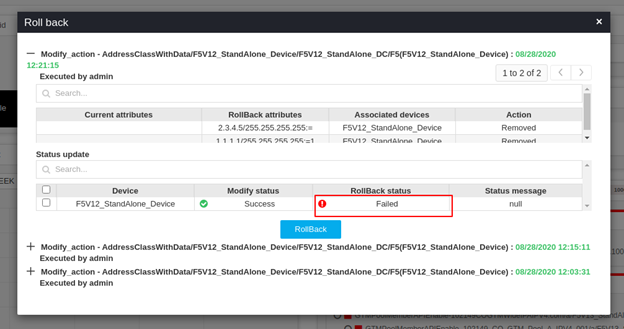
Error Message Possible Cause Possible Solution (User: <userName>) Modify_action(ModifyClass) failed for class <className> associated with group <groupName> by the user <userName> The class object is not found on the device. Check for the presence of class in the F5 device.
Device does not have RW permission. To execute Modify action, the user should have RW access for the device. Check in Menu> Account > Resources >Device >
Provide RW access for the device.
Failed to retrieve class details. Refer log for more details. There might be a problem in getting class data from the device. Please check connectivity to the device.
