
Understanding Features in Demo Mode
Though you can not perform any actions within ADC+ while in Demo mode, you can still experience how the output appears for each action performed on the device/object.
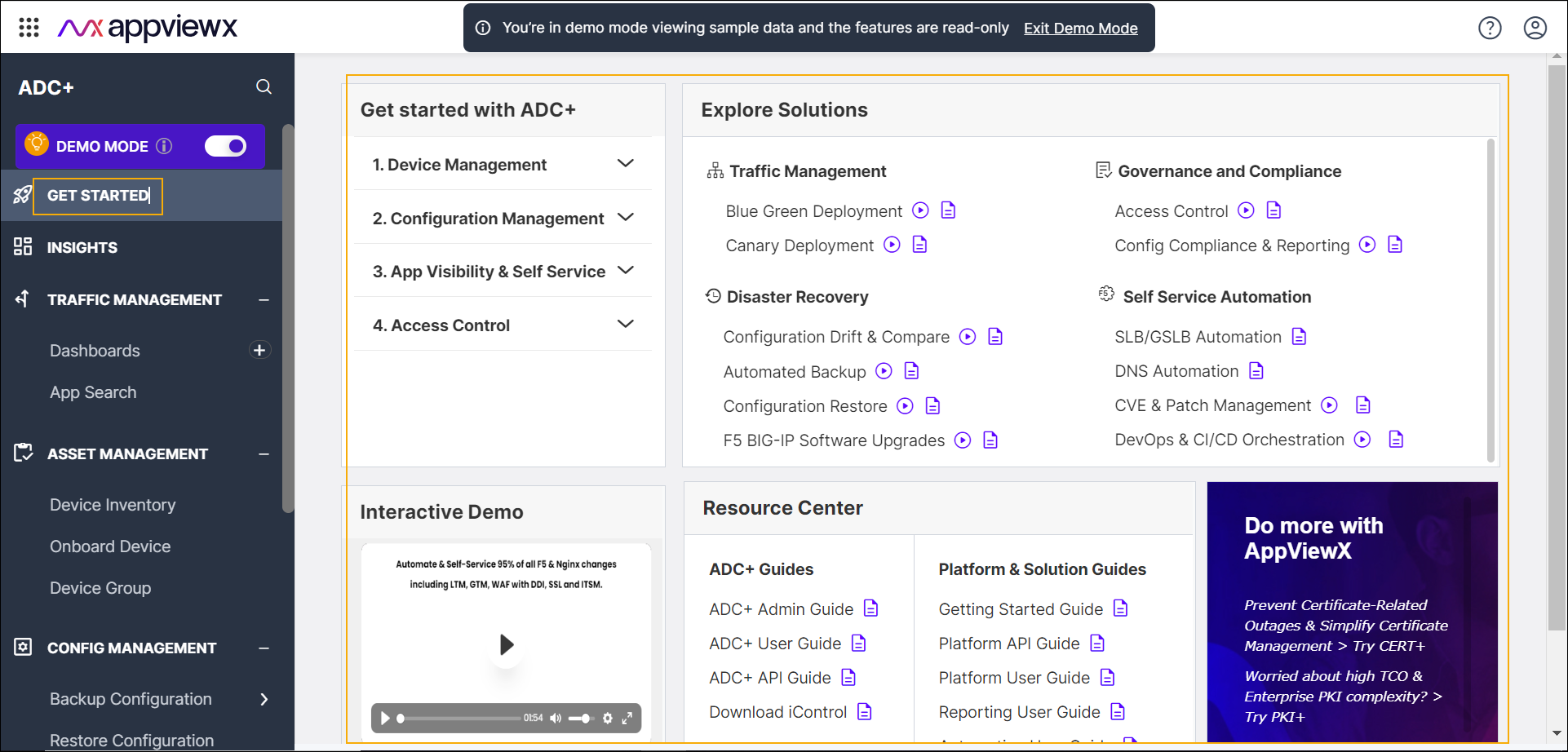
Get Started
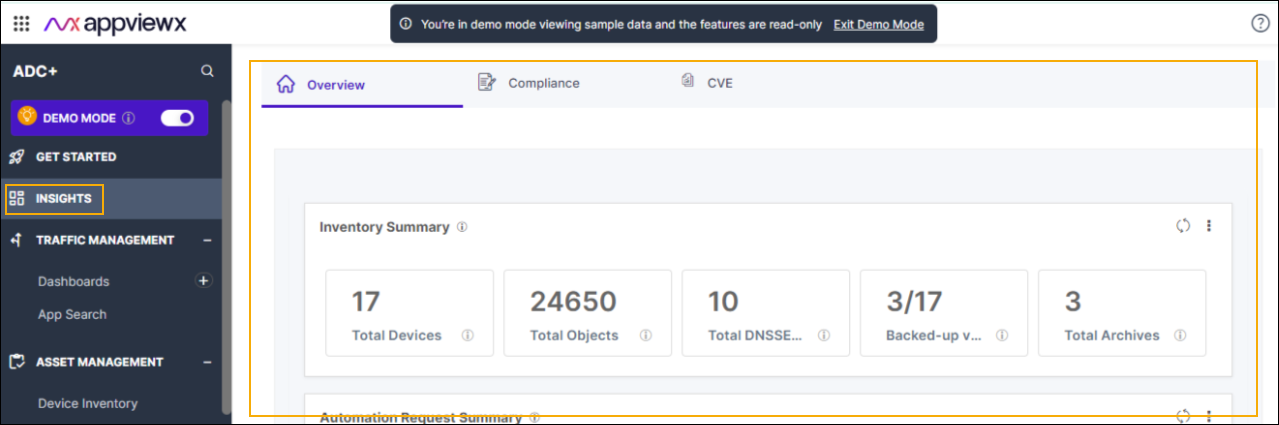
Insights
Traffic Management
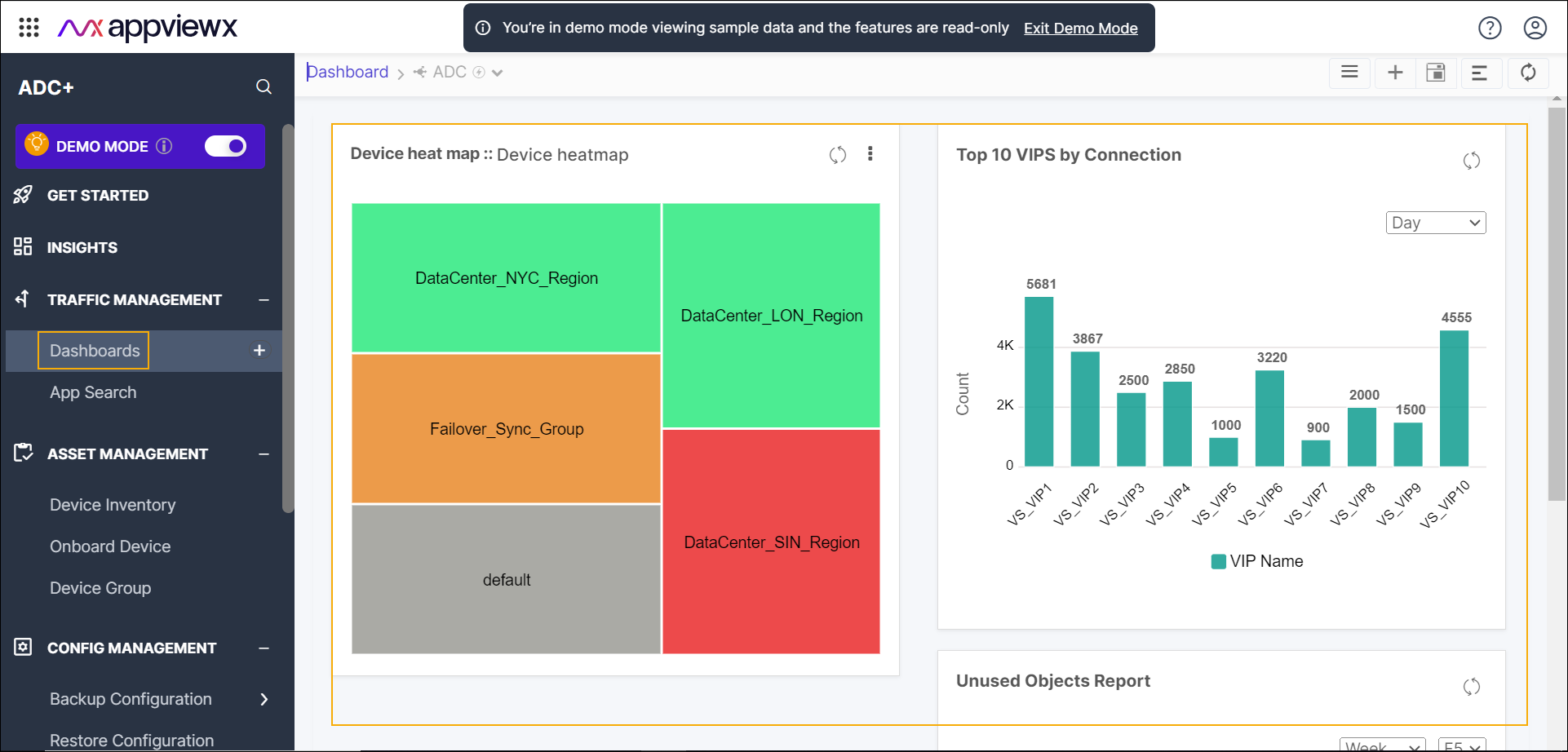
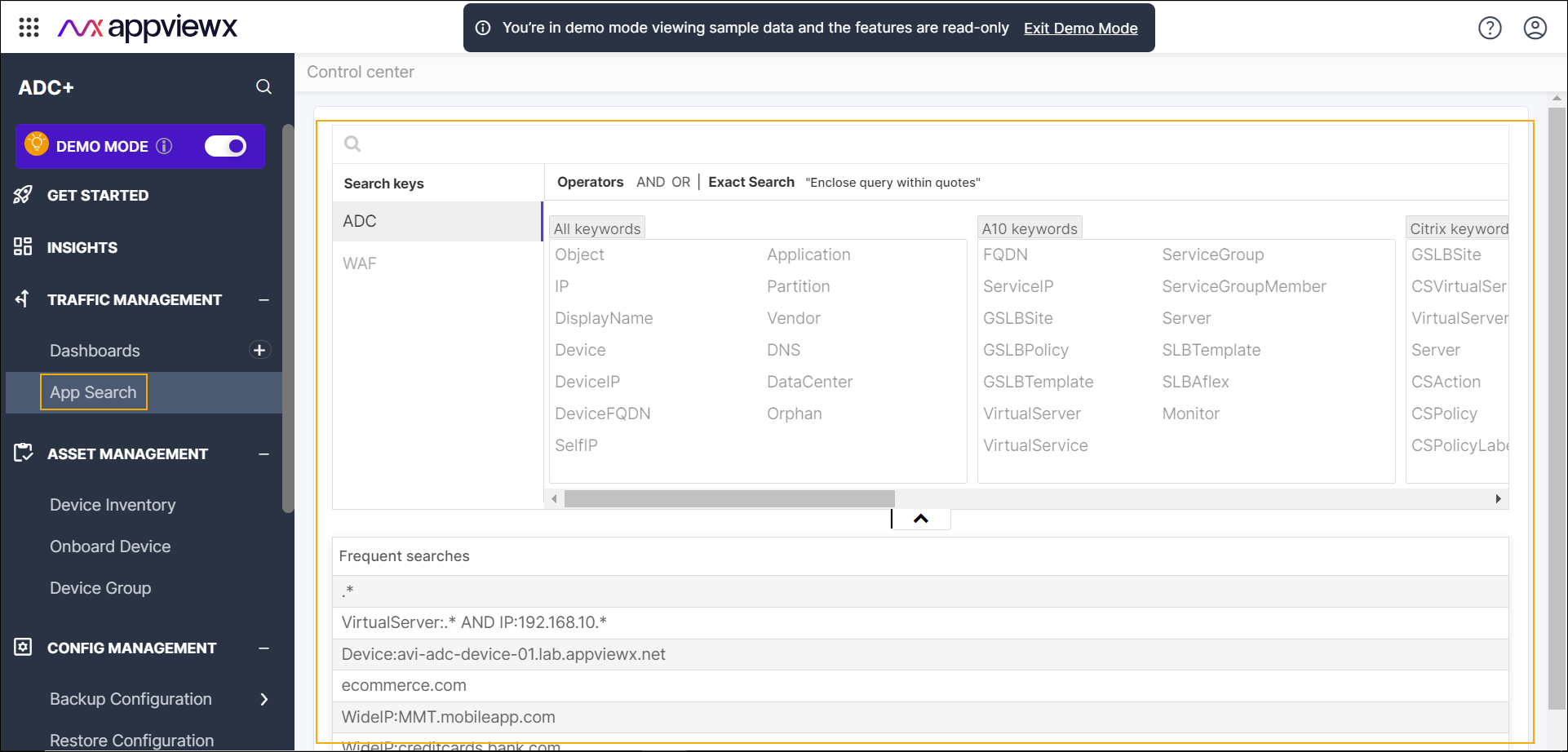
- filter applications by status. These statuses include All, Active, and Standby.
- view the parent object and its details.
- switch between the Application view and infrastructure view.
Asset Management
Device Inventory
Within the Device Inventory page, you have the ability to interact with device information in a seamless manner. By clicking on any device link located in the Name column, you can instantly access comprehensive device details. Furthermore, you can also click on the status link found within the Status column to promptly view the device's status log.
Onboard Device
On the Device Details tab, you can only view the screen intended for onboarding a device associated with the select vendor. It is important to note that onboarding devices in the Demo Mode is not supported through this tab.
Device Group
The Device Group page provides access only to view the device groups along with their respective descriptions.
Config Management
Backup Configuration
-
Within the Manage Backup page, you have access only to view the device backups that have been created.
-
Within the Create Backup page, you have access to view the create backup screen. It is important to note that creating device backup in the Demo Mode is not supported.
Restore Configuration
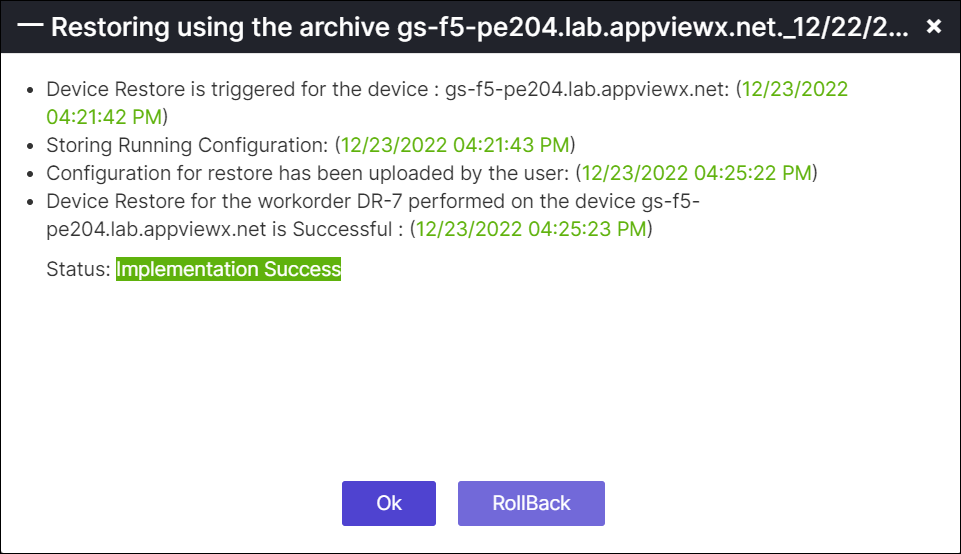
Compare Configuration
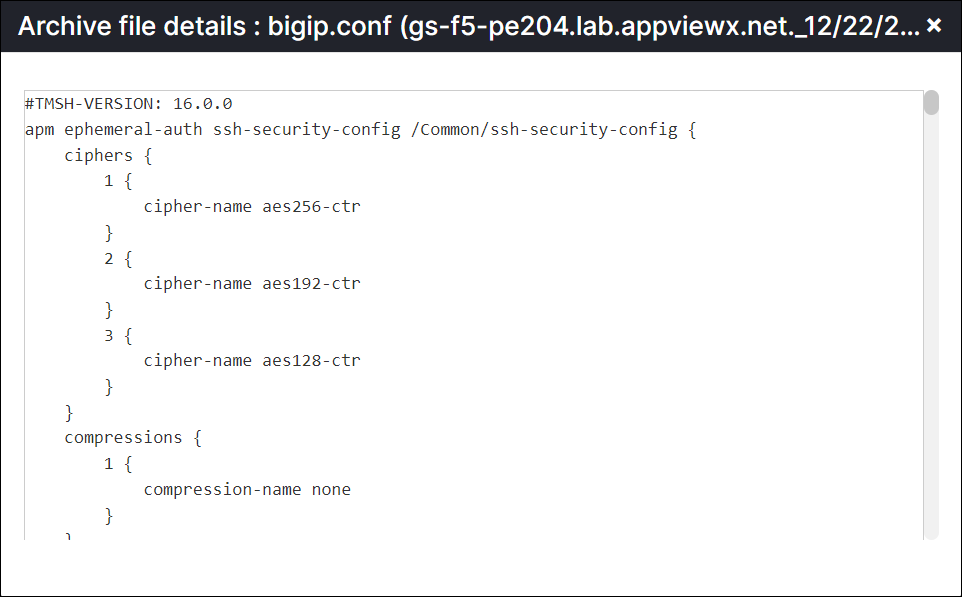
Automation
- Workflow Catalog
-
Within the View/Run page, you can only view the available list of automation workflows organized into their respective categories. It is important to note that you will not be able to execute any of the workflows in the Demo Mode.
-
Within the Scheduled Jobs page, you can only view the list of scheduled requests.
-
- Workflow Request
-
On the Workflow Request page, you have the capability to view all triggered automation workflows categorized by their respective statuses. By clicking on a specific request number, you can access a detailed view of the stages comprising the executed workflow. This functionality enables you to gain insights into the progress and outcomes of each workflow instance.
-
Alerts and Logs
Within the Alerts inventory and Logs inventory page, you have the ability to only view the alerts and logs that have been triggered for the associated devices respectively. These pages provide a comprehensive overview of the notifications and recorded events related to your devices.
