
Running Fetch F5 BIG-IP CVEs
To run this workflow:
- Go to Menu > ADC+ > AUTOMATION > Workflow Catalog > View/Run
- Click the F5 BIG-IP System category on the View/Run Workflows page.
-
On the popup window, hover the mouse over the Fetch F5
BIG-IP CVEs workflow.
The Run and Schedule buttons are displayed.
-
Click
 .
The script starts running.
.
The script starts running.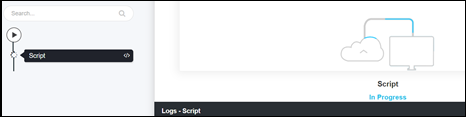 Once the workflow is completed,
the CVE vulnerabilities are fetched from the Global site and stored in the
Database.
Once the workflow is completed,
the CVE vulnerabilities are fetched from the Global site and stored in the
Database.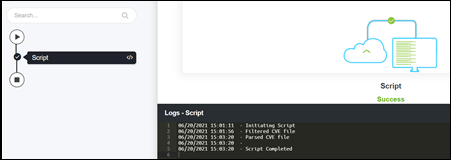 Note: To view the list of stored vulnerabilities, go to Menu > Collection:
