
iHealth Report
Configure health portal information for a vendor to generate iHealth reports of devices.
To configure the iHealth report:
-
Go to Menu > ADC+ > SETTINGS >
Module Settings > ADC > iHealth Report.
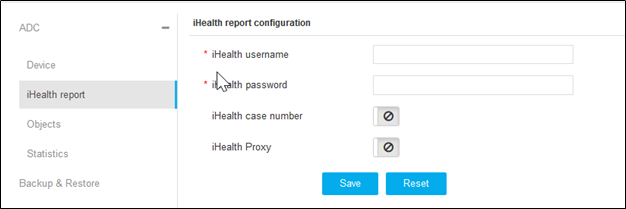
- On the iHealth Report Configuration page, enter the iHealth username and password.
- Enable the iHealth case number and iHealth Proxy toggle buttons to upload the generated qkview file against the mentioned case number for future reference.
-
Click Save.
Note: To discard the changes, click Reset.
