
Accessing the DDI+ Module
-
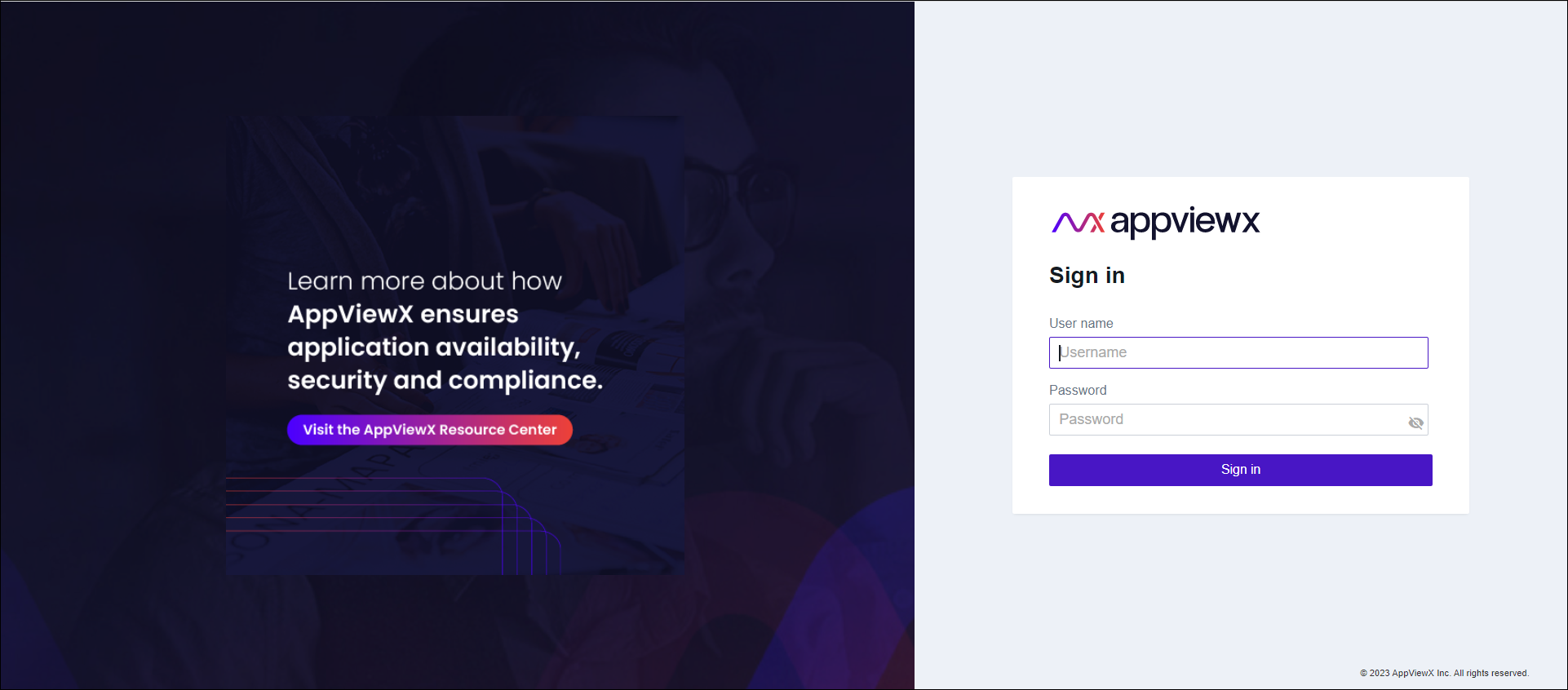
Log into AppViewX with a valid credential (URL provided by
AppViewX).
The AppViewX Landing page appears.
-
Go to
 (Menu) >
DDI+ .
The DDI+ module is displayed with the Get Started section open by default.
(Menu) >
DDI+ .
The DDI+ module is displayed with the Get Started section open by default.
