
Unauthorized Access to Add Widget(s)
- Log in to AppViewX.
- Click Menu > TRAFFIC MANAGEMENT > Dashboards.
-
To create a new widget, click the add widget icon.
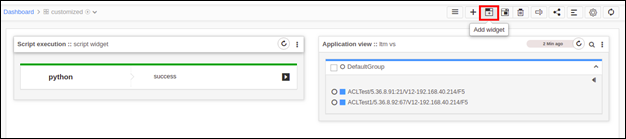

Error Message Possible Cause Possible Solution Permission not available for dashboard. User is not authorized to perform the operation on the dashboard. -
Update permission to dashboard: Navigate to 'Account'-> 'User'-> 'Roles' and update users with roles that have R/W permission to dashboard. Refer to the admin guide.
-
Login with another user who has access to the dashboard and try again.
-
