
Monitor Critical Applications/Devices and Receive Notification
Alert settings can be configured to trigger Email/SNMP alerts when any action is executed on configured Application(s) or Device(s).
To configure Application/Device alerts:
- Go to Menu > ADC+ > ALERTS & LOGS > Alerts.
-
Click
 (Settings) icon, and then ADC.
- Enter an Alert name and Alert message.
- Select the Alert Category from the drop-down list. The options are Application Alert and Device Alert.
- Select the Alert Severity from the drop-down list.
-
Configure the critical Devices/Applications that need to be monitored.
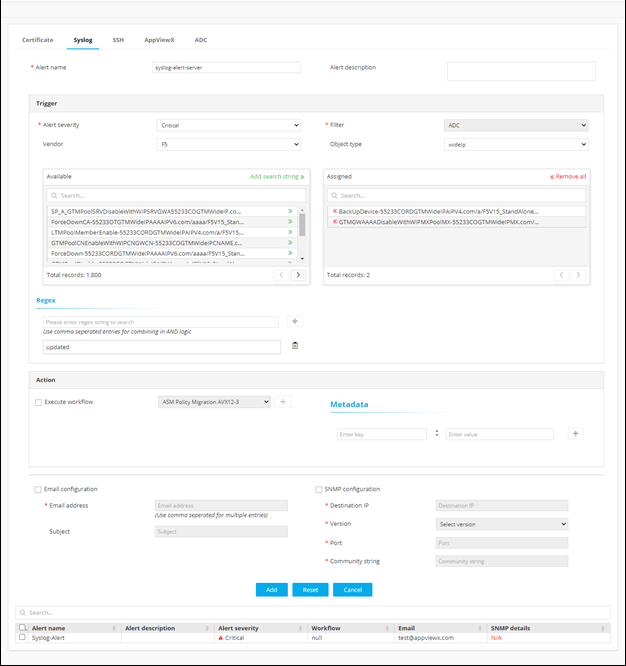
- In the Action section, select the checkbox of Email or SNMP.
- (Optional) Configure multiple Alerts as needed and add it to the grid. The configured alerts can be modified or deleted anytime by selecting the Alert from the grid.
-
Following are some of the alerts that are notified upon configuration:
-
A critical Application is Disabled or Forced down (Event - Any Action)
-
A critical Device is Restored to a different configuration (Event - Restore)
-
Device Flipped from Active to Standby (Event - State change)
-
A critical Device is Failed during a config fetch (Event - Status change)
-
Device Backup failed (Event - Backup)
-
